









Skip to content
BloomBoard

You’ve already built the artistry.Now let’s build the business you love around it.

Everything a wedding & event florist needs, from first enquiry to event week — all in one place.

14 day free trial. No card.

On your phone? Send BloomBoard to your inbox.

BloomBoard is built for a laptop screen, where there’s room for the whole event. Leave your email and we’ll send you the trial link for when you’re back at your desk.

14 days free no credit card needed

Your floristry business was meant to feel creative and fun.

Then everything around the flowers started taking over.

A florist bent over buckets of roses and ranunculus, deep in production
01.

The flowers aren’t what’s keeping you up at night.

It’s the proposal to finish, the emails waiting for replies, the client change you haven’t carried through — the work nobody sees, filling your evenings and weekends.

02.

More tools than ever. The whole wedding still lives in your head.

Your CRM knows the client. Your spreadsheet knows the costs. Canva knows the proposal. WhatsApp knows the last instruction you sent.

03.

You are the only one who knows the whole wedding.

So everything is still copied, checked and remembered by you. Even with help, every question comes back to you.

Does this sound familiar?

Then you’re in the right place.

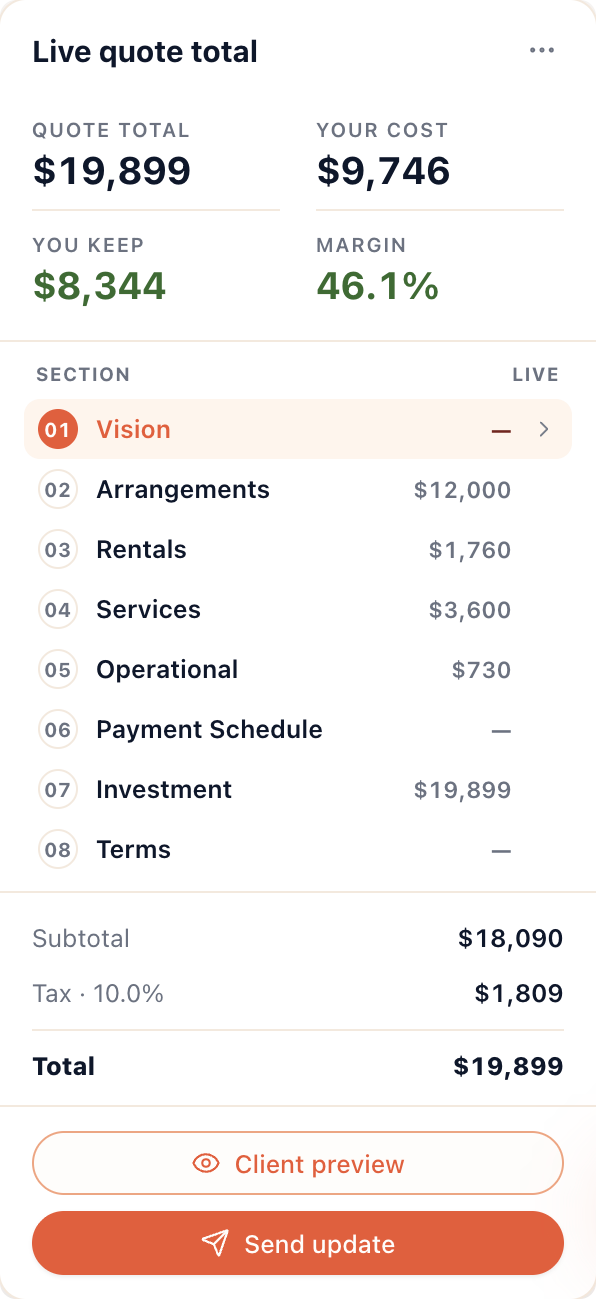
BloomBoard on a laptop and phone, with the live quote total rail

Clients see beautiful flowers.

They don’t see everything you are holding together behind them.

But you do!

Show me a better way

What florists are telling us

I’ve tried my fair share of tech tools, but BloomBoard makes me feel like a business owner who has her ducks in a row, instead of a florist drowning in admin. The biggest difference is the mental load!
Carmen of Whispering Thorns, holding a bouquet of white cosmos, tulips and rosesCarmenWhispering Thorns
It can give you back up to 10 hours of your life every week. That alone makes it worth every cent.
Ashleigh of The Naked Florist, placing stems into a hanging installationAshleighThe Naked Florist
I wondered if I’d need to hire an admin person. But BloomBoard brings everything from forms and invoicing to costing sheets, price lists and freelancer schedules into one place — and cuts out so much back and forth that I don’t think I’ll need one.
Anja of Bloeme, building an arrangement of blush and burgundy rosesAnjaBloeme

Your floristry business can absolutely feel creative and fun again!

You’re not bad at admin.

You’ve just outgrown patched-together spreadsheets, or other software tools.

Not because you failed them.

Because they were never built to hold all this.

Each one holds a small piece of the event — so when nothing holds the whole thing, you have to!

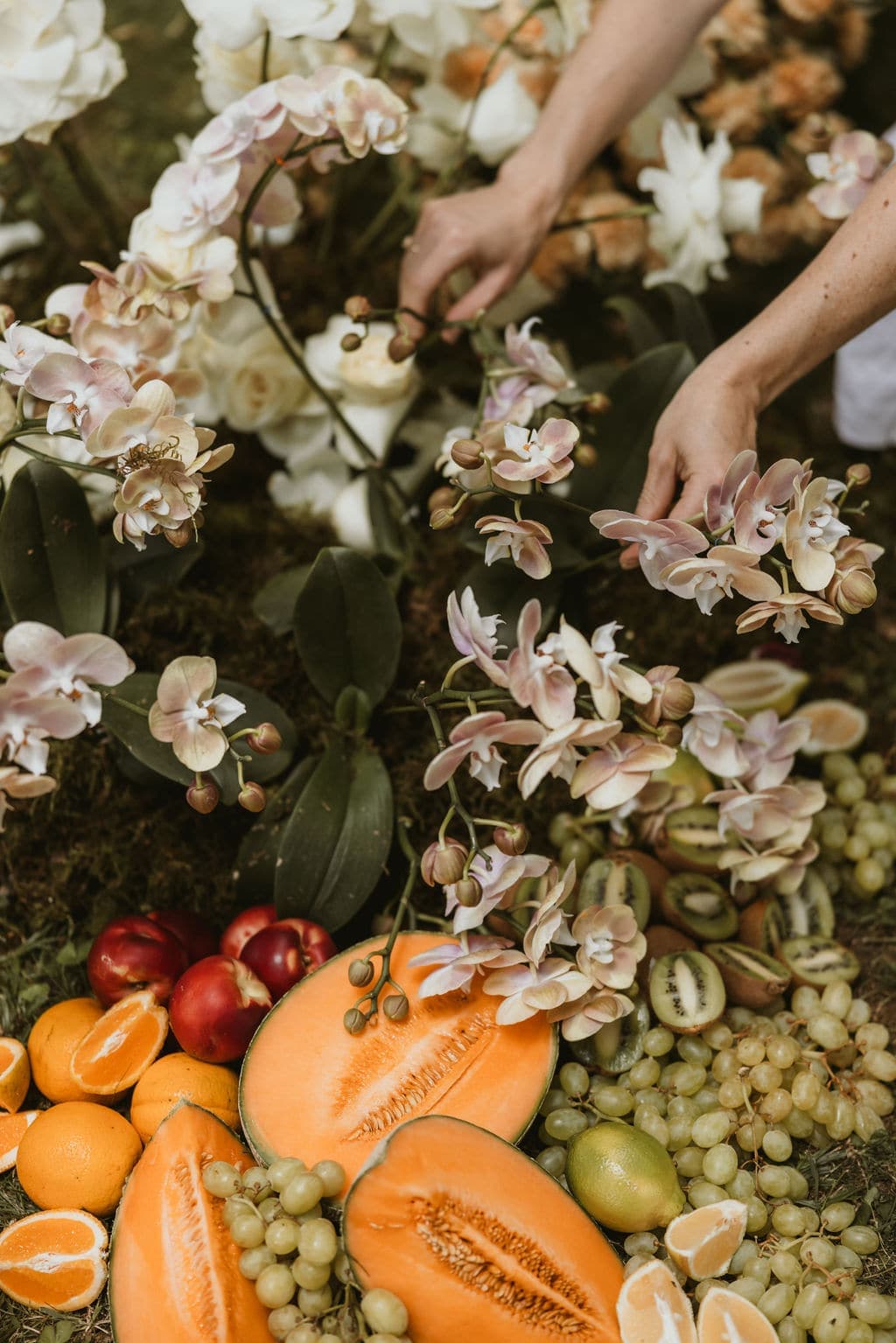
Orchids and cut fruit laid into a ground installation
Know which client needs a replyKeep invoices beside the weddingBuild the proposal onceKnow what the event is paying youStop recounting stemsGive the team the latest planKeep every client change attached to the eventStop searching for the final version

This is where BloomBoard comes in.

Most CRMs take you as far as booking and invoicing. But for a florist, that’s where a completely different side of the work begins.

BloomBoard brings the client side and planning side into one connected workspace—from the first enquiry to the final strike.

In short, it’s one platform with everything a wedding and event florist needs to run her business: enquiries, CRM, proposals, invoices, recipes, orders, finances and event week.

Let us show you how it all works.

Florists around the world are using BloomBoard to run their businesses. Dream clients are approving proposals. Some are getting up to ten hours back each week. Others are realising they no longer need outside admin help.

This can be you!

How BloomBoard works

These are the main parts, in the order you would usually use them.

01CRM AND ENQUIRIES

The client journey starts here—and stays connected.

Give clients a branded enquiry link for your website and Instagram.

Collect the date, venue, budget, style and event details you need before the first call.

Each enquiry automatically becomes a client and event, and everything that follows—messages, proposal, invoices, payments—stays attached to it.

Connect your email and every message with that client lands beside their event. No more digging through your inbox for what you promised them.

No copying a booked client into another planning system later.

Connect your email

Your logo, your colours

Here are the actual in-app proposal templates, with one custom example.

02PROPOSALS

Create proposals dream clients approve.

The information already collected from the client is waiting for you.

Add each arrangement, image and price once, then bring in the visual direction, rentals, labour, payment schedule and terms.

Choose a BloomBoard proposal design or create your own inside the Design Studio.

Send it by email, client link or PDF. Your client reviews the wedding, agrees to the terms, signs and moves straight to the booking payment.

When they say yes, you don’t start again. The accepted event is already ready for production.

Integrate with Canva

Explore proposals

03RECIPES AND PRICING

Quote now. Build the recipe when you’re ready.

Estimate the flower cost, build the recipe stem by stem, use a saved arrangement or begin with a reference image.

Choose your currency and begin with a library of more than 200 flower varieties.

Then upload your supplier price lists so the library reflects what you actually pay.

It becomes your flower library.

View recipes

04ORDERS

Count the stems once.

BloomBoard combines the recipes, calculates the flowers, sundries, vessels and hire items, then prepares the order sheets by supplier.

No separate master stem-count spreadsheet.

No opening every recipe and counting it again.

05INVOICING AND FINANCES

Know what the wedding is actually paying you.

Create invoices, deposits and payment schedules inside the same event.

Track what has been invoiced, paid and is still outstanding.

Then see those figures beside the flower costs, labour, freelancers, mechanics and operating costs behind the wedding.

“Fully booked” sounds good. “Profitable” feels better.

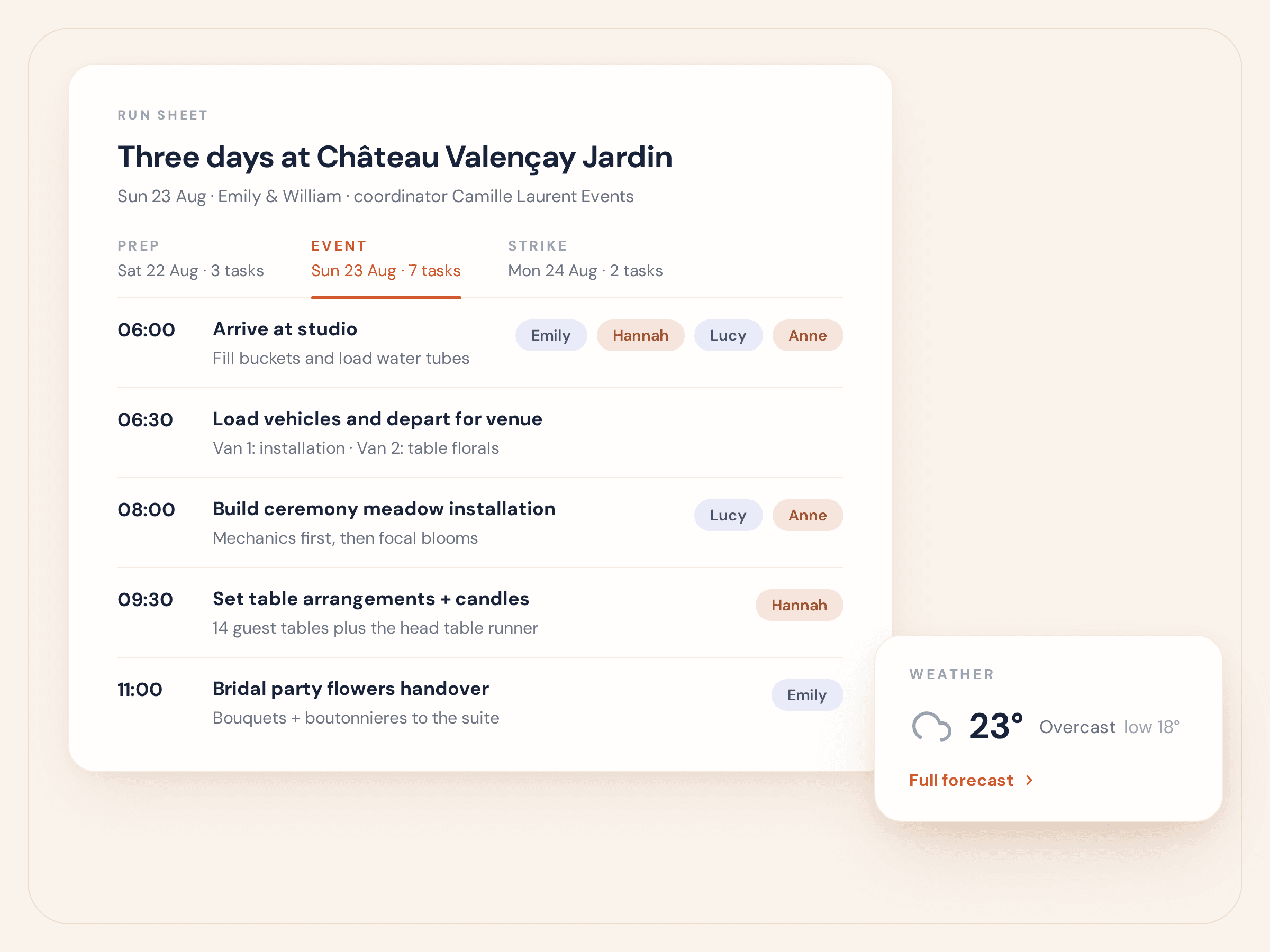
06EVENT WEEK

Your flowers can be wild. Event week doesn’t have to be.

Build the preparation, setup and strike timelines.

Assign the team. Create checklists. Keep venue details, weather and setup notes attached to the client and event.

Then share one live team link. When the plan changes, their version changes too.

No one working from the file called FINAL-FINAL-2.

View event-week planning
BloomBoard event week — the run sheet with timed tasks, team assignments and the venue weather forecast

07YOUR BUSINESS AT A GLANCE

Know what needs your attention next.

See every client and event moving through the business:

New enquiry. Proposal sent. Accepted. Booked. In production. Heading into event week.

See which clients need a reply, which proposals are waiting, which invoices are outstanding and which weddings are moving closer.

BloomBoard gives you the CRM foundation many florists already rely on—with the production and financial planning their current CRM doesn’t know about.

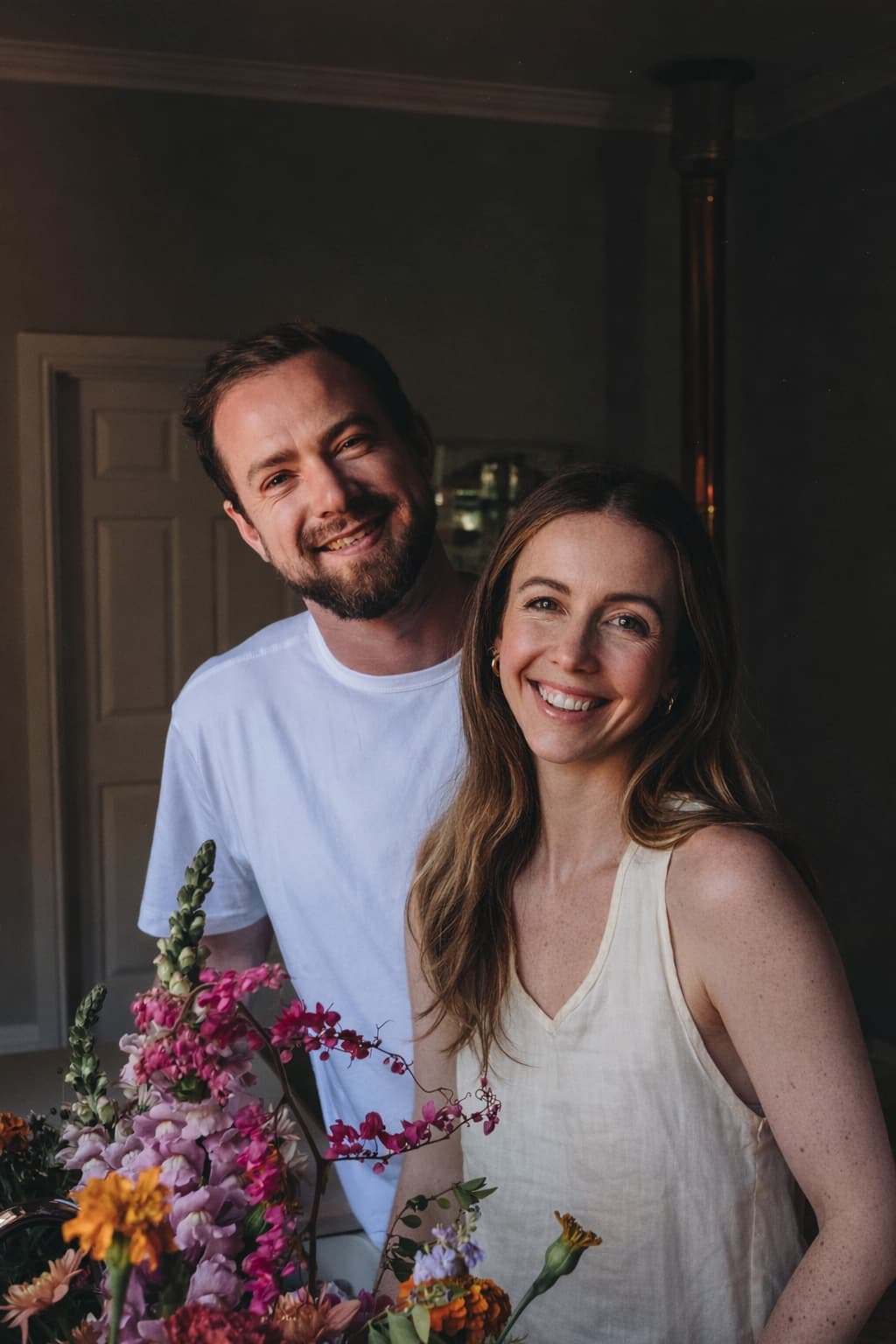
Pippa and Dylan together with an armful of flowers
Pippa & Dylan
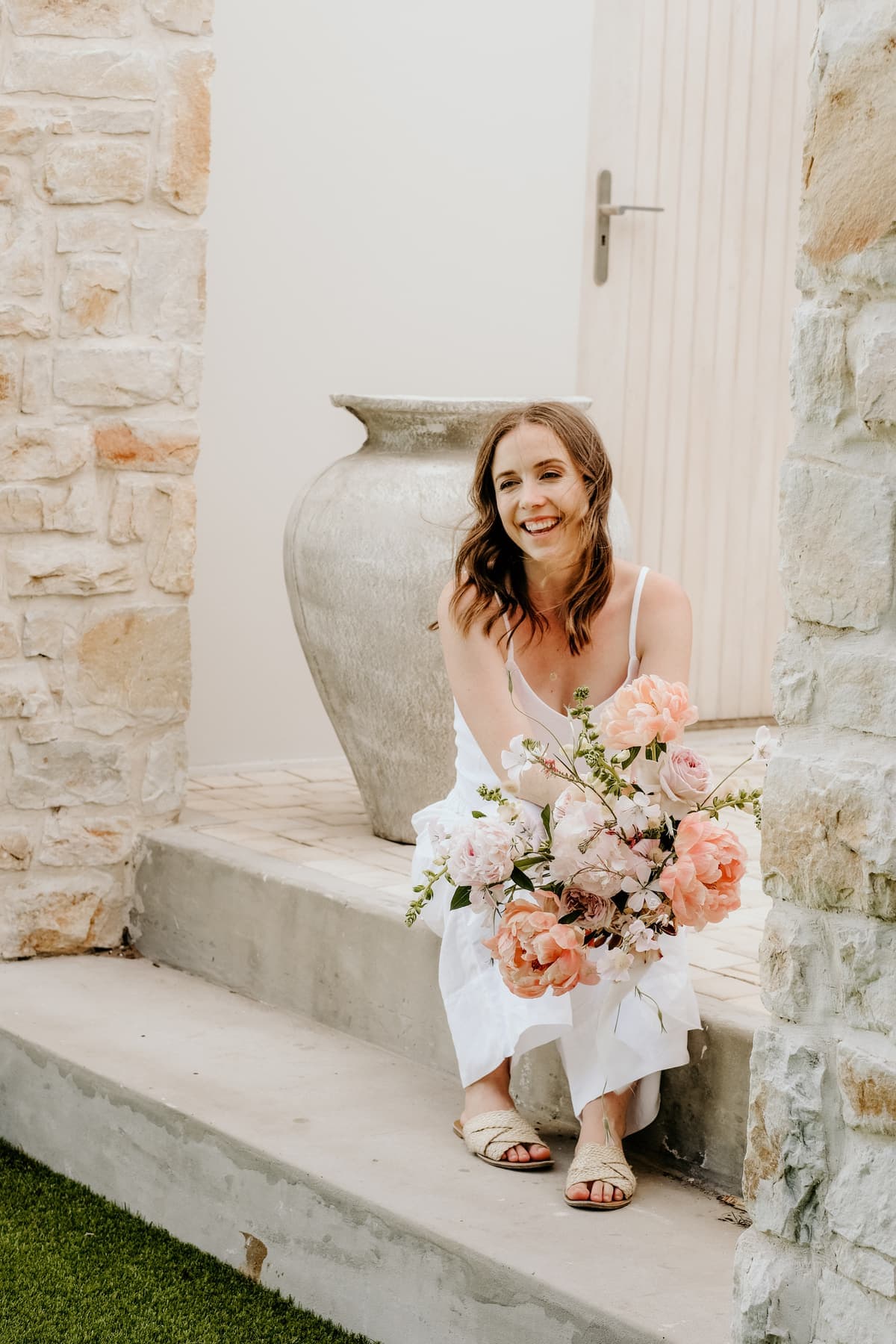
Pippa holding a peach and blush bouquet
PippaFlorist
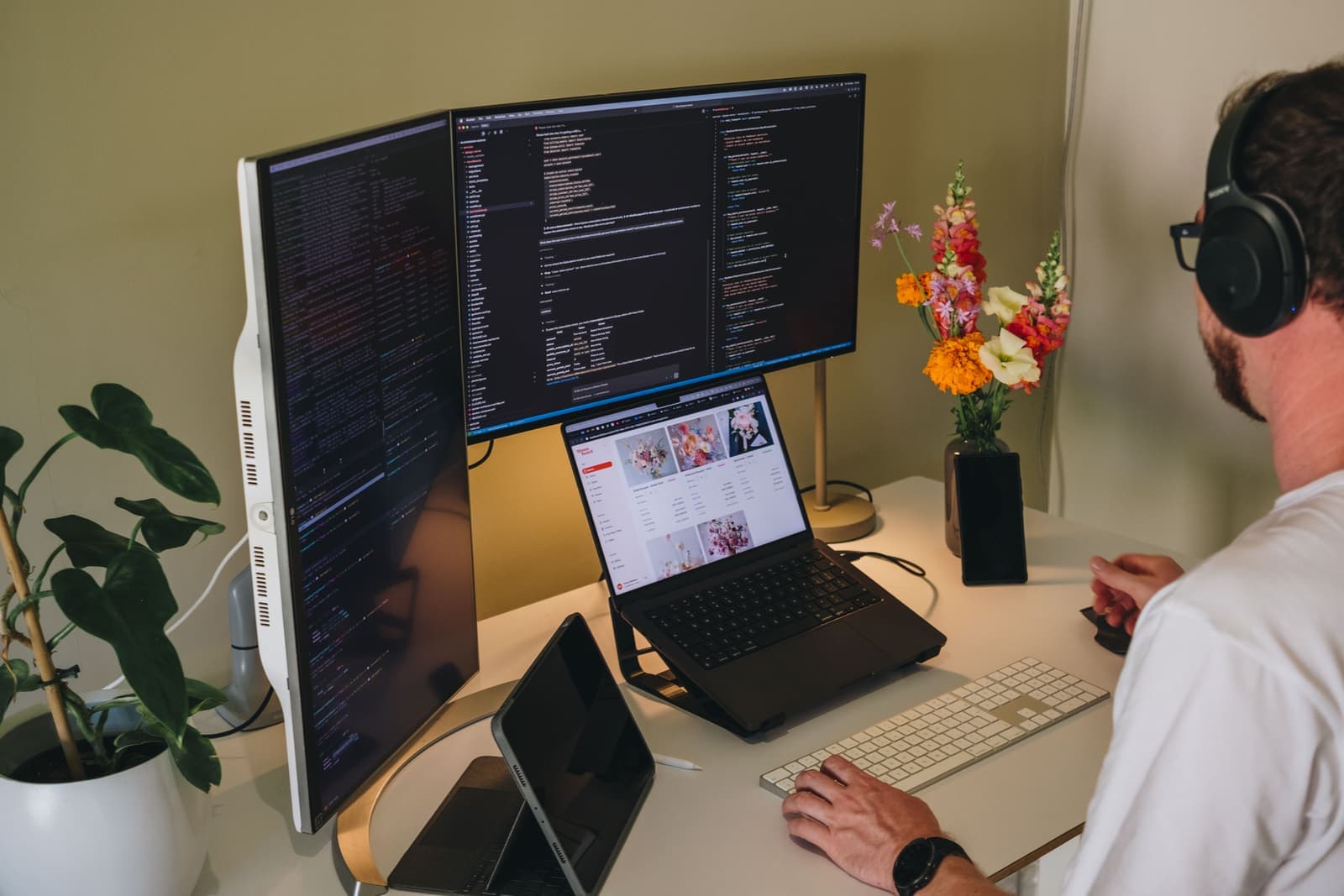
Dylan at his desk building BloomBoard
DylanSoftware engineer

Meet the founders

I was drowning in admin, proposals and planning too!

Too many emails. Too many evenings behind my laptop. Too little time with the flowers—or the life around them.

It wasn’t what I imagined when I started my floristry business.

For 11 years I designed and produced weddings and events, and coached more than 80 florists.

But as the studio grew, every booking scattered itself across my CRM, inbox, invoicing software, spreadsheets, proposals, supplier orders and freelancer plans.

Even though I was highly organised, I still became the system holding everything together.

Dylan came from software, designing systems that make complex work feel simple. At our kitchen table I’d describe the mess; he’d see the structure underneath it. When I explained how one table-count change could create another hour of admin, he saw the real problem:

That change should flow through the proposal, recipes, orders, costs, margin and team plan. It shouldn’t create six separate jobs.

So we built BloomBoard from the ground up around how a florist’s event actually moves—one place where every part moves together.

I know what it feels like to regret how much of your life your floral business is consuming.

But it doesn’t have to be you!

Your business can grow without taking more of you with it. Let us help you get there!

Book a working session with Pippa or Dylan

You’re not bad at admin.

You’ve just outgrown patched-together spreadsheets, or other software tools.

Not because you failed them.

Because they were never built to hold all this.

Feeling unsure where to start?

Love how this sounds—but not sure it will feel this simple when you try it?

We understand. That’s why we created free working sessions: so you don’t have to figure BloomBoard out alone.

Bring one real enquiry to a one-hour session with Pippa or Dylan. We’ll set up your studio inside BloomBoard and start building the client’s proposal with you.

After one hour, your business will be set up, real client work will already be underway, and you’ll know exactly what to do next.

Don’t wait for a quiet week or the off-season. Bring the enquiry that’s already sitting in your inbox — you’ll feel the difference from day one.

Times are shown in your local time—no need to convert.

Book my free working session

You’re booked—but you don’t always know what you’re keeping.

The calendar looks full. The studio is busy. The flowers are leaving the door.

But after flowers, labour, freelancers, mechanics and all the extras that slipped through—what did the wedding actually pay you?

From the outside, the business looks successful. Behind it, it may be taking far more of your life than you ever meant to give it.

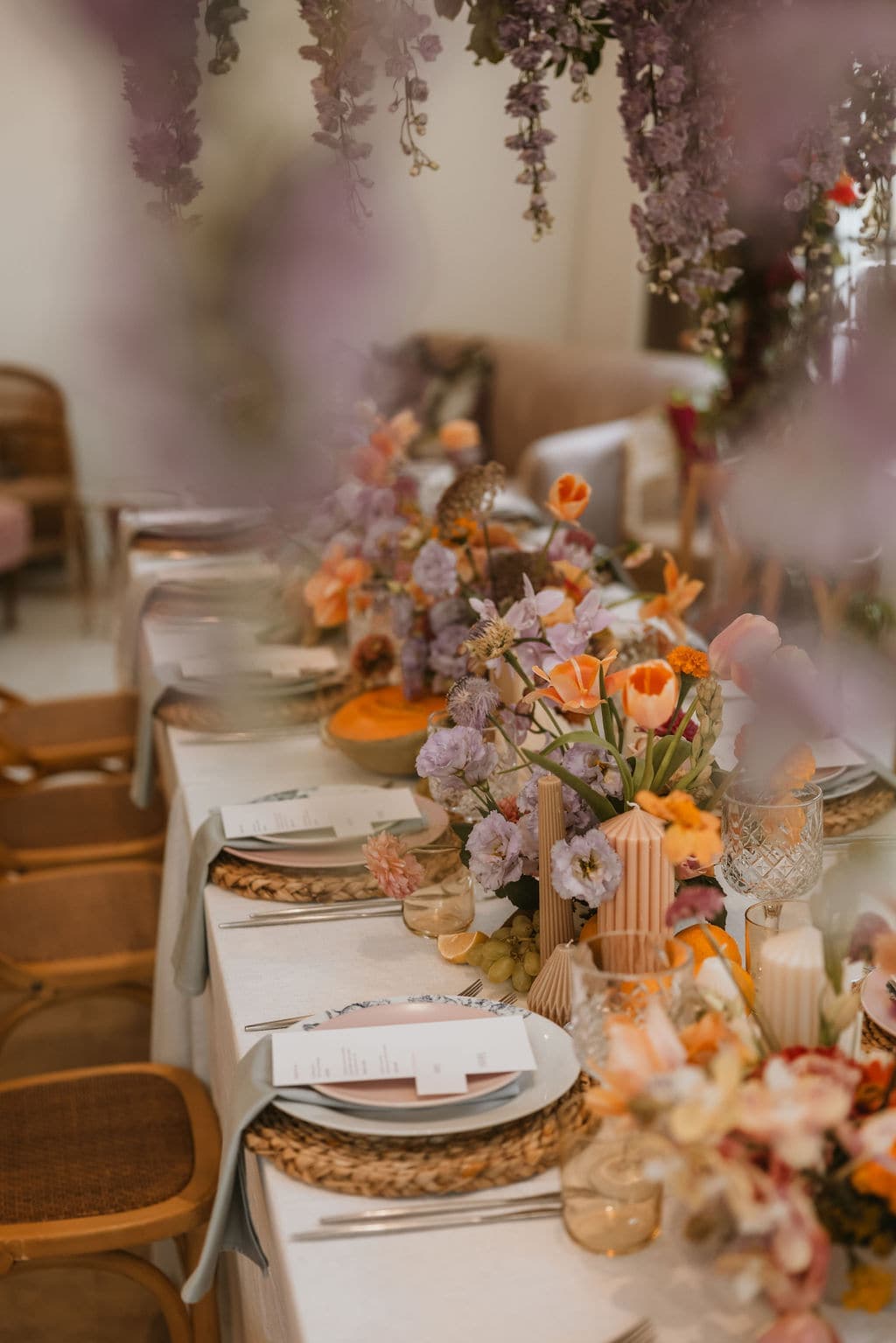
A long tablescape dressed with orange and lilac flowers

Isn’t it time your floristry business felt the way you imagined it would?

Both include unlimited events, arrangements and proposals—and both start with a 14-day free trial. Prices in USD.

Core

Everything you need to run your floral business.

$99 / month

Billed monthly—cancel at any time.

  • Unlimited events
  • Client briefs, completed by your client
  • Proposal templates, digital links and eSignatures
  • Recipes, order calculations and supplier order sheets
  • Invoices, deposits and payment schedules
  • Event-week timelines, checklists and team links
  • BloomBoard Assistant included
  • Up to two team seats

Coming soon

  • Mobile app

MOST POPULAR

Studio

Advanced tools for growing studios.

$149 / month

Billed monthly—cancel at any time.

Everything in Core, plus:

  • A public enquiry link for your website and social media
  • Premium proposal templates
  • Higher Smart Recipe Builder limits: 400 per month instead of 50
  • Client signature reminders
  • Higher Smart Price Import limits: 20 per month instead of five
  • More generous BloomBoard Assistant usage
  • Up to five team seats

Coming soon

  • Client payment links and reminders
  • Connected Gmail and Microsoft 365 accounts
  • Mobile app

Every feature on. Run a real event through it.

Try BloomBoard free for 14 days with everything switched on—no credit card and no half-locked features. Plan a real event in BloomBoard and see whether it is right for your studio.

You don’t need a quiet month to begin. The next wedding in your inbox is enough.

14 DAYS FREE · NO CREDIT CARD

Pippa dressing a table beneath a hanging floral installation

Already using a CRM?

Don’t let the work of moving keep you in a way of working you’ve outgrown.

Your current CRM may be where your clients, communication and invoices already live.

You don’t need to switch everything overnight.

Start by putting one active client and wedding through BloomBoard. See what changes when their proposal, invoices, recipes, orders, finances and event-week plan are connected.

When you’re ready, send us what you have. We’ll help bring your existing clients, active events, proposals and recipes into BloomBoard and review everything with you.

Migration help is included on every plan.

See how switching works

Asked and answered.

What software can BloomBoard replace?

Spreadsheets, proposal and invoicing tools, recipe calculators, a separate CRM, production documents and event-week checklists. You may still need bookkeeping software for accounting and tax.

How much time can BloomBoard save me?

Early users create proposals in around 20 minutes instead of 1hr. We estimate this saves around 5–10 hours weekly.

See all questions

This can be your business.Don’t wait for your off-season to get started!

Having my entire workflow in one platform has been a game changer. My proposals feel more polished and professional, and clients are approving them faster.
BBiateFyn Blom
It’s so streamlined and easy. With the chaos of kids and work life, I often reply to a bride and then forget to send the quote, so BloomBoard is a real game changer for me.
EEmmaEmily Lockhart Events
What surprised me most was the thought and intentionality behind the entire workflow. It’s clear that BloomBoard was designed by people who deeply love and understand this industry.
DDenickeThe Grand Botanist

Start now — you’ll feel the difference from the first event.

Let us help the business catch up to the florist you’ve become.

Your artistry has never been the part in question.

Now give it a business that keeps the client, communication, invoices, flowers, finances and team plan connected around the same wedding.

You don’t need to move the whole studio before you begin.

Start with one real client and one real event. Pippa and Dylan will help you from there.

Book a working session with Pippa or Dylan

14 days free. Every feature on. No card.