Proposals
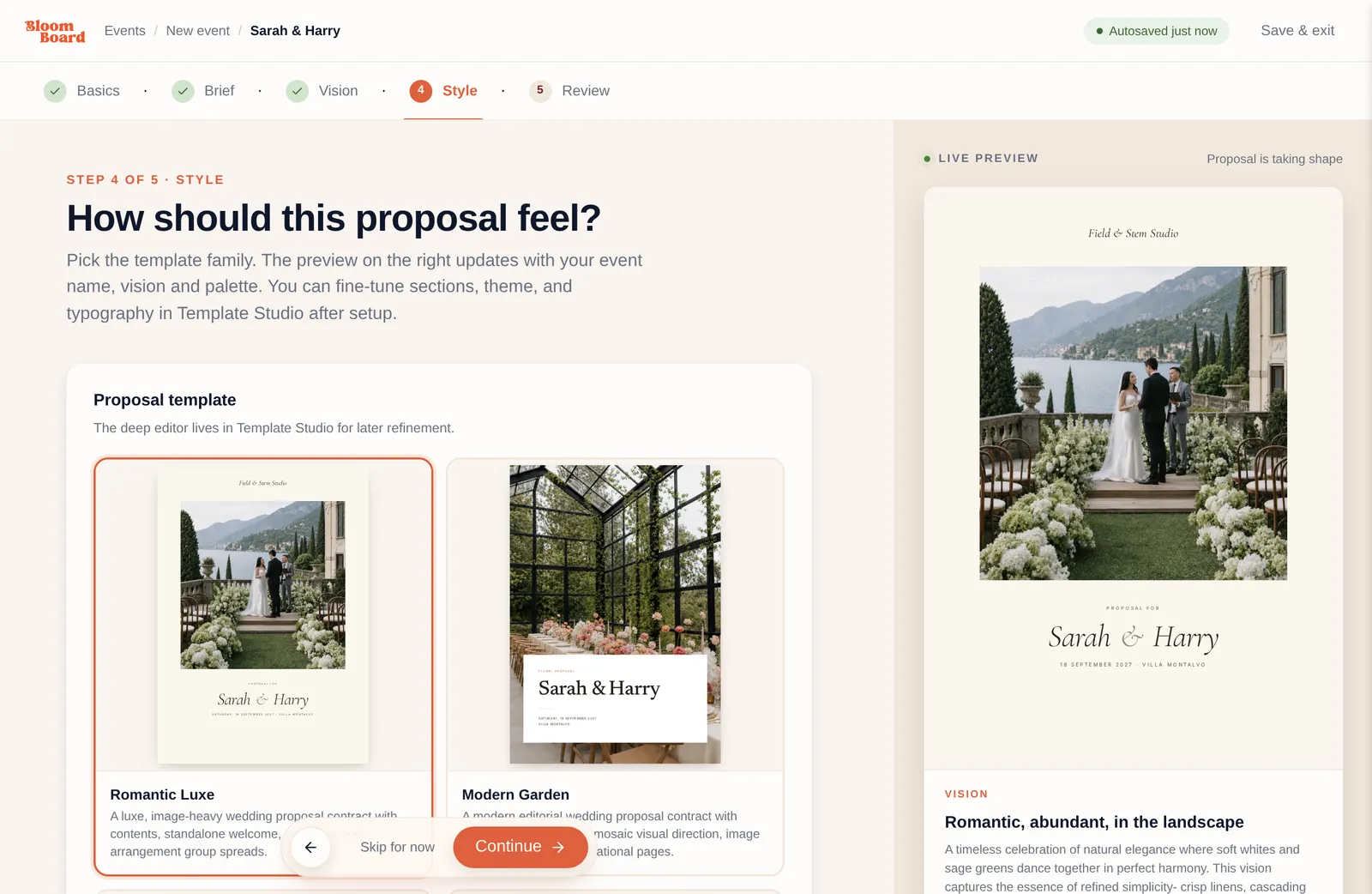
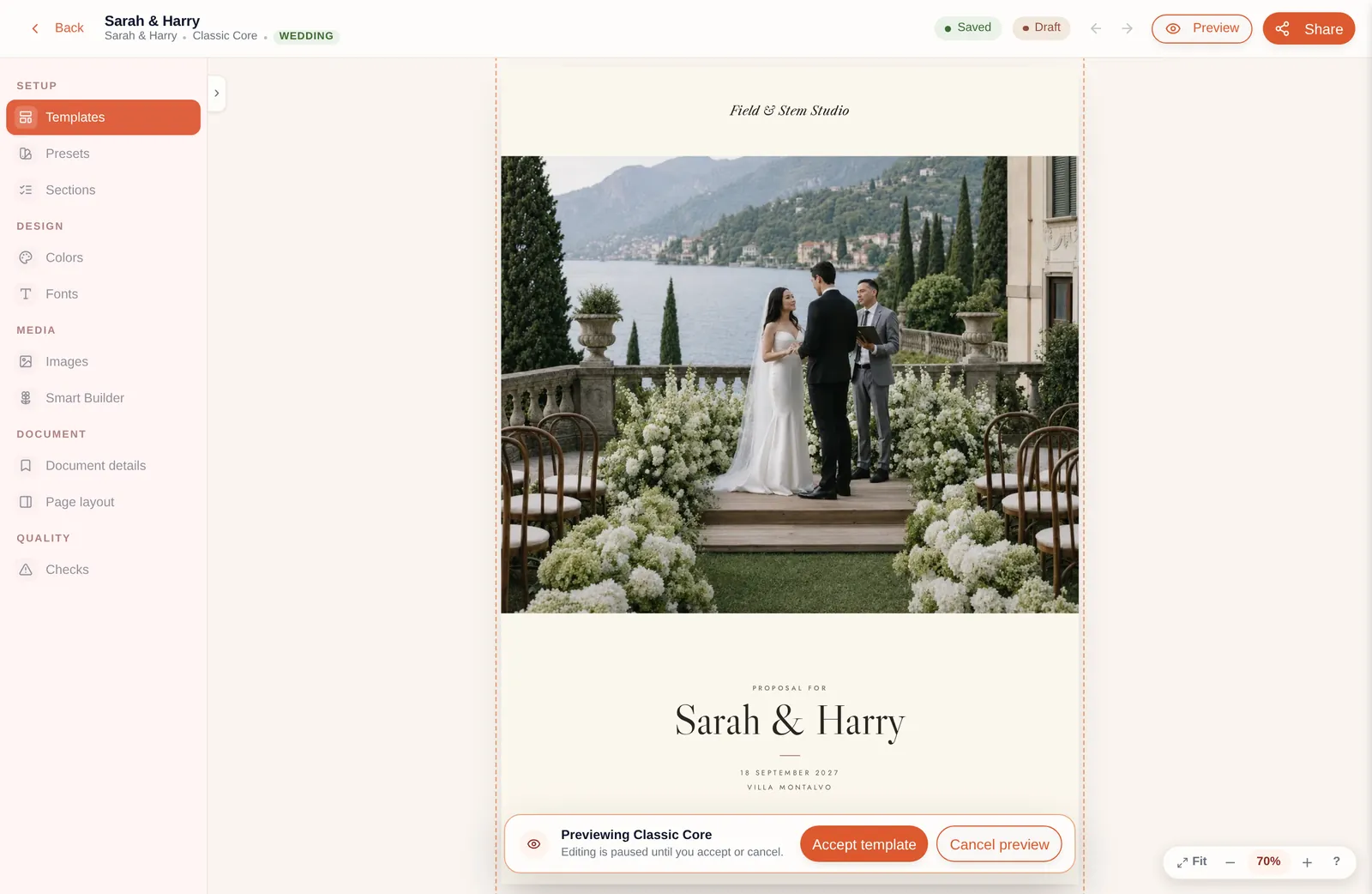
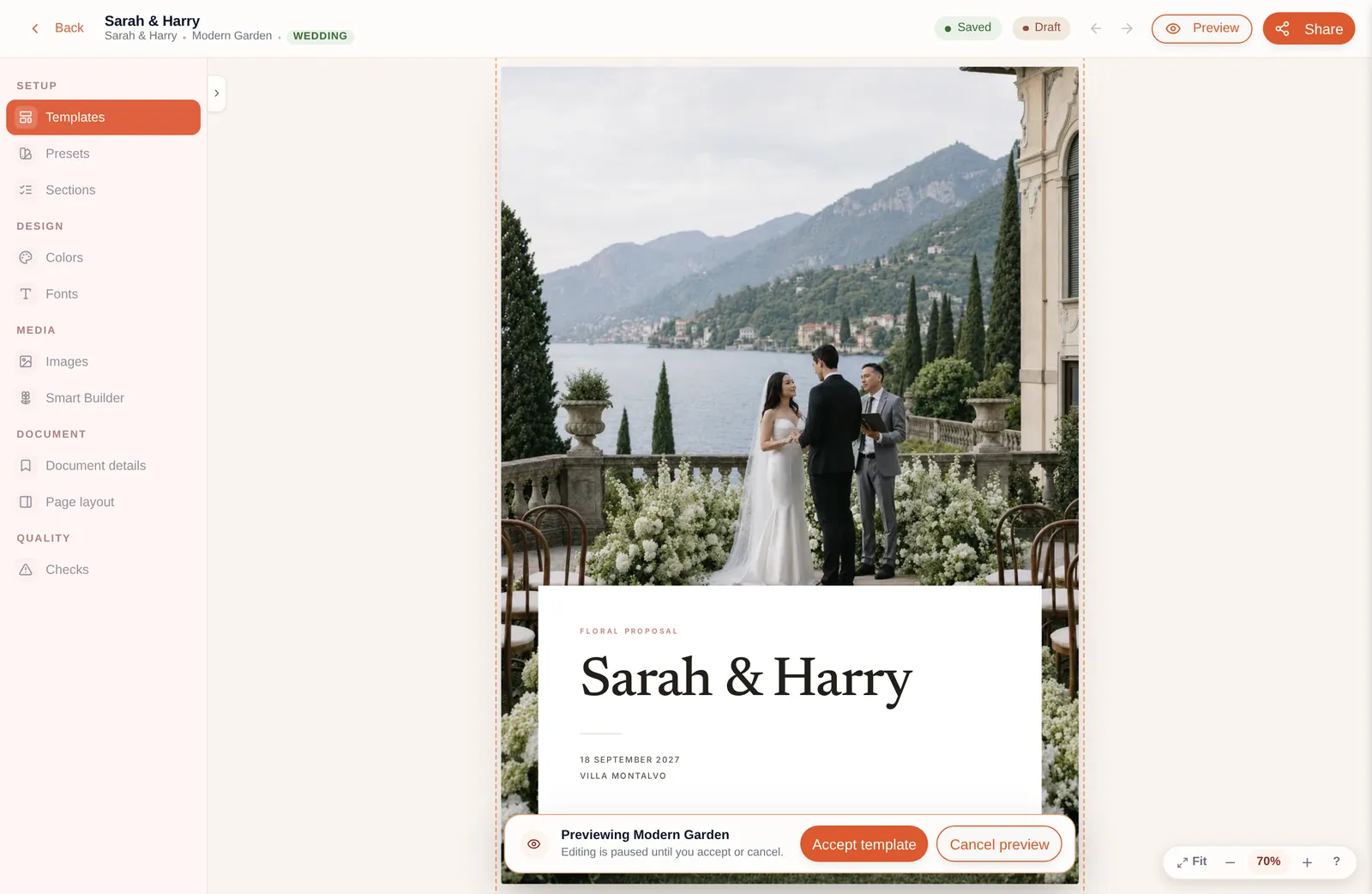
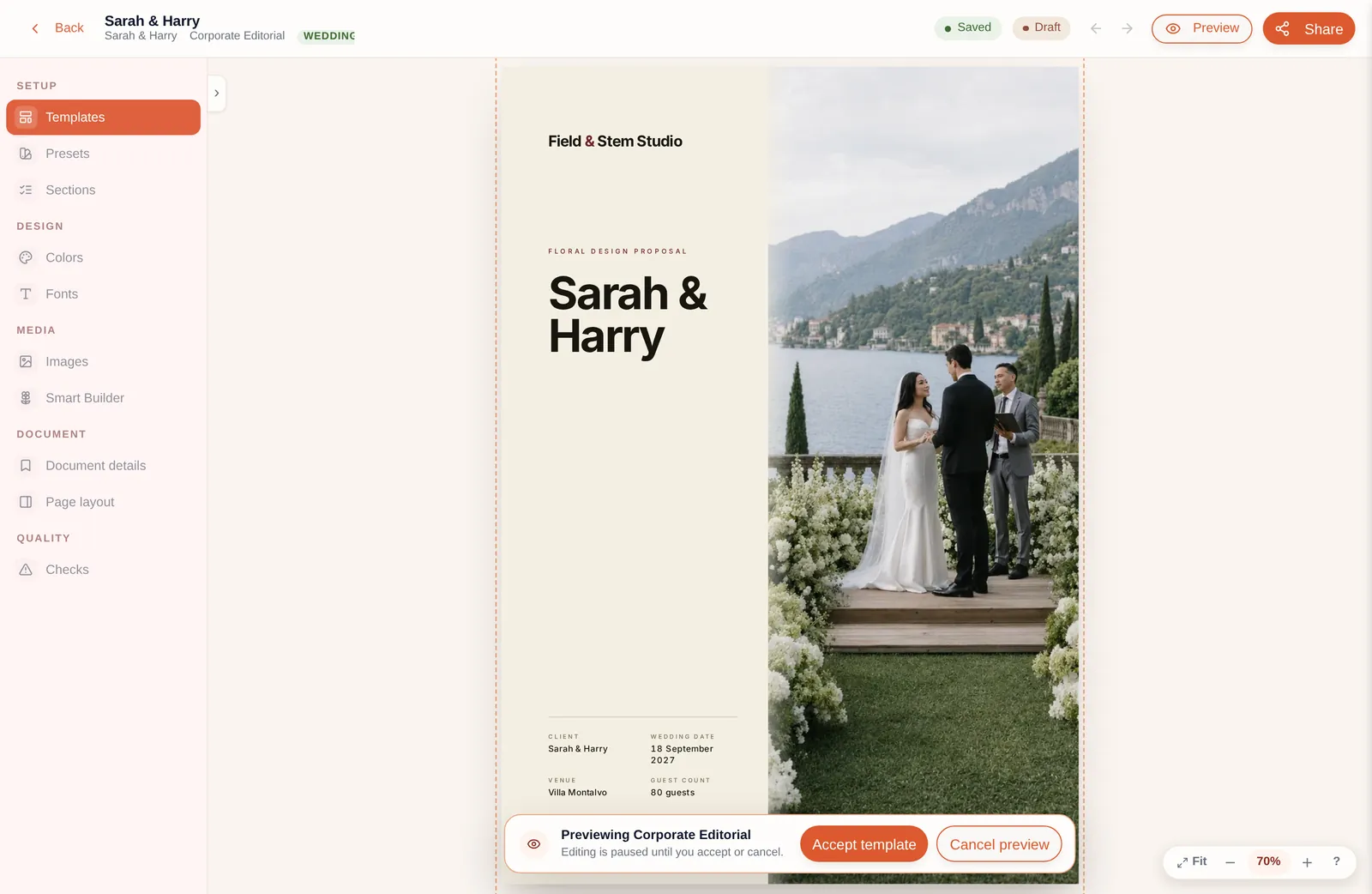
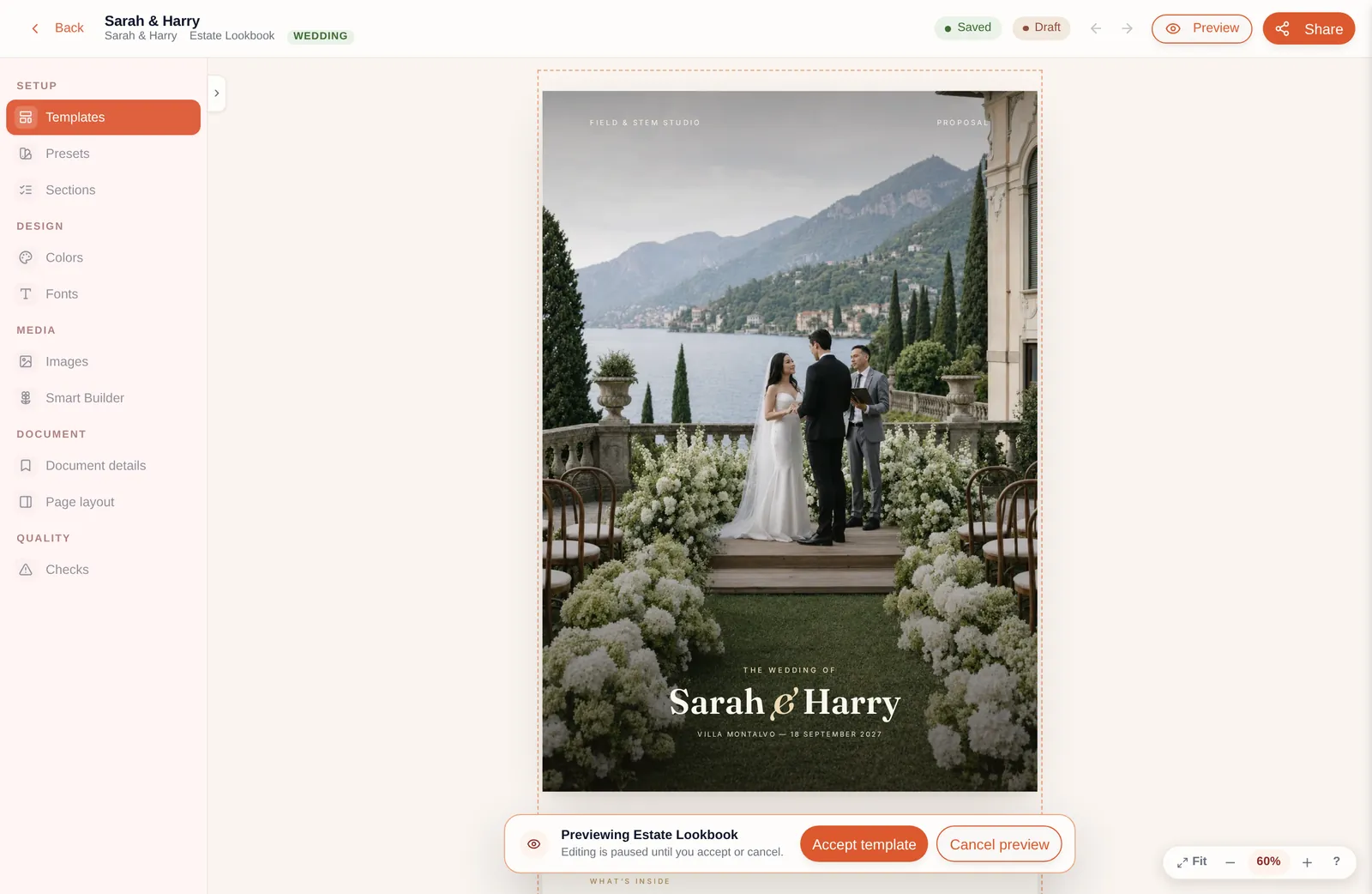
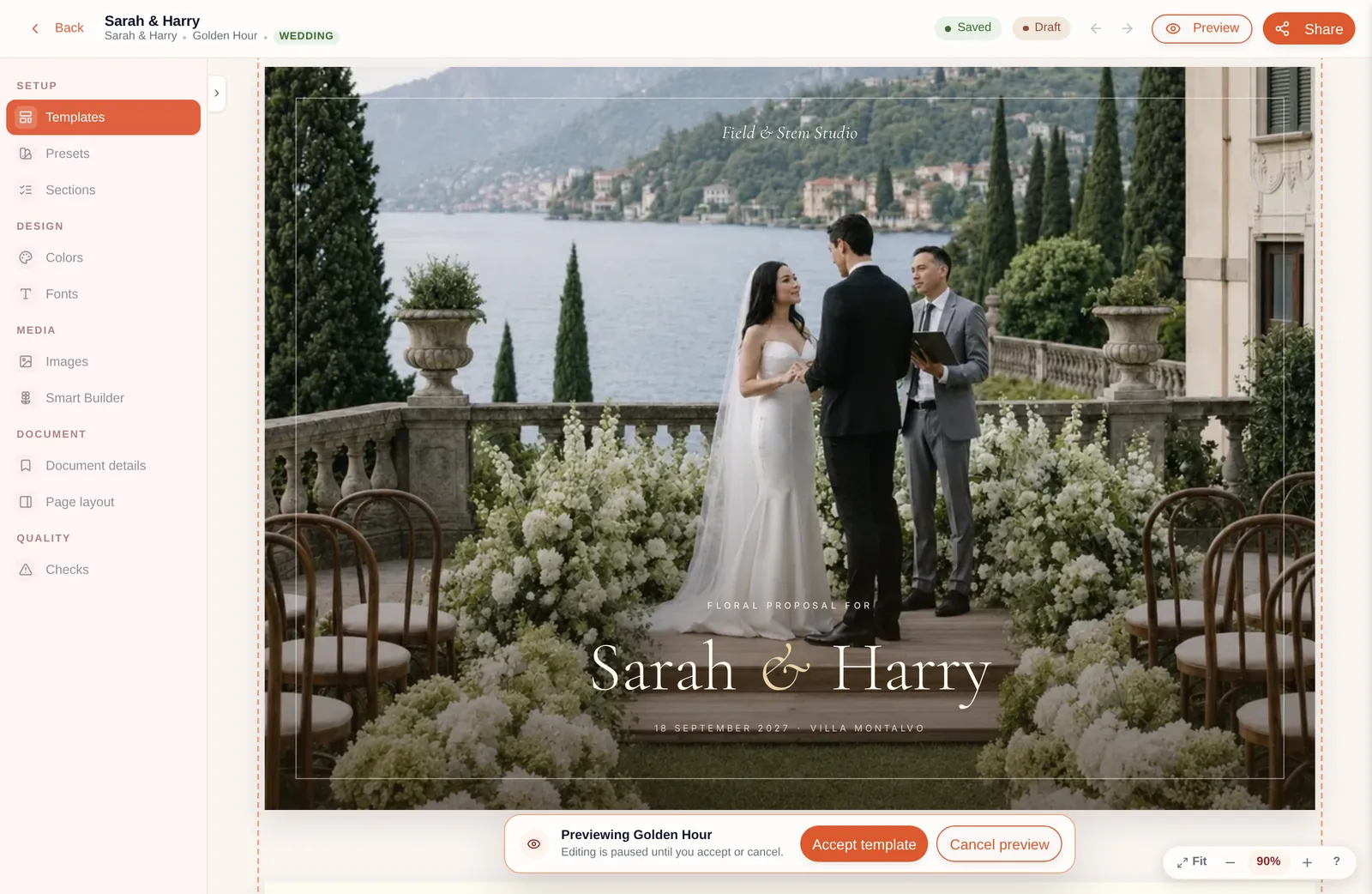
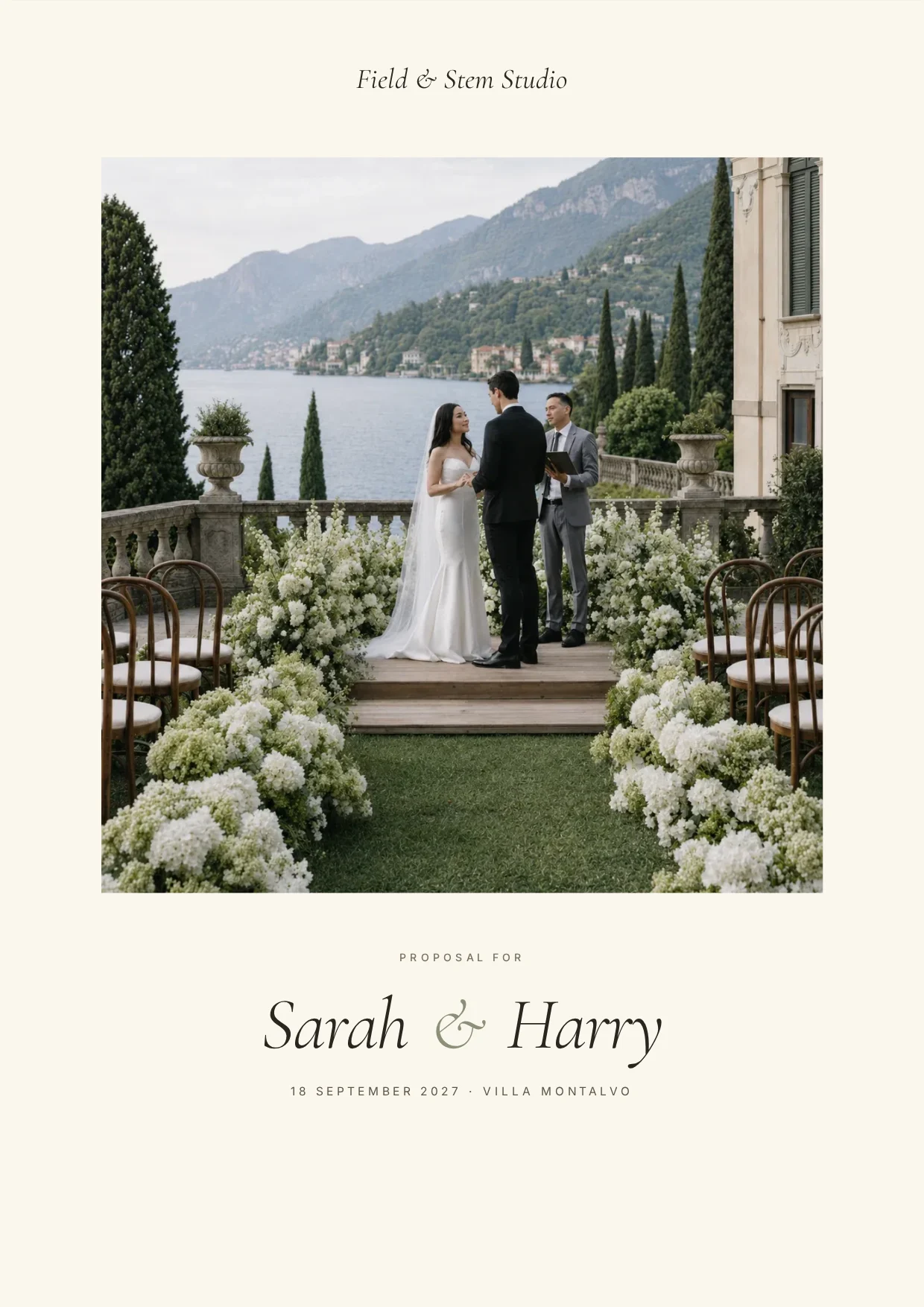
BloomBoard has five gorgeous proposal templates to choose from, see examples here. Or you can create your own in the Design Studio and save it as a preset for next time.
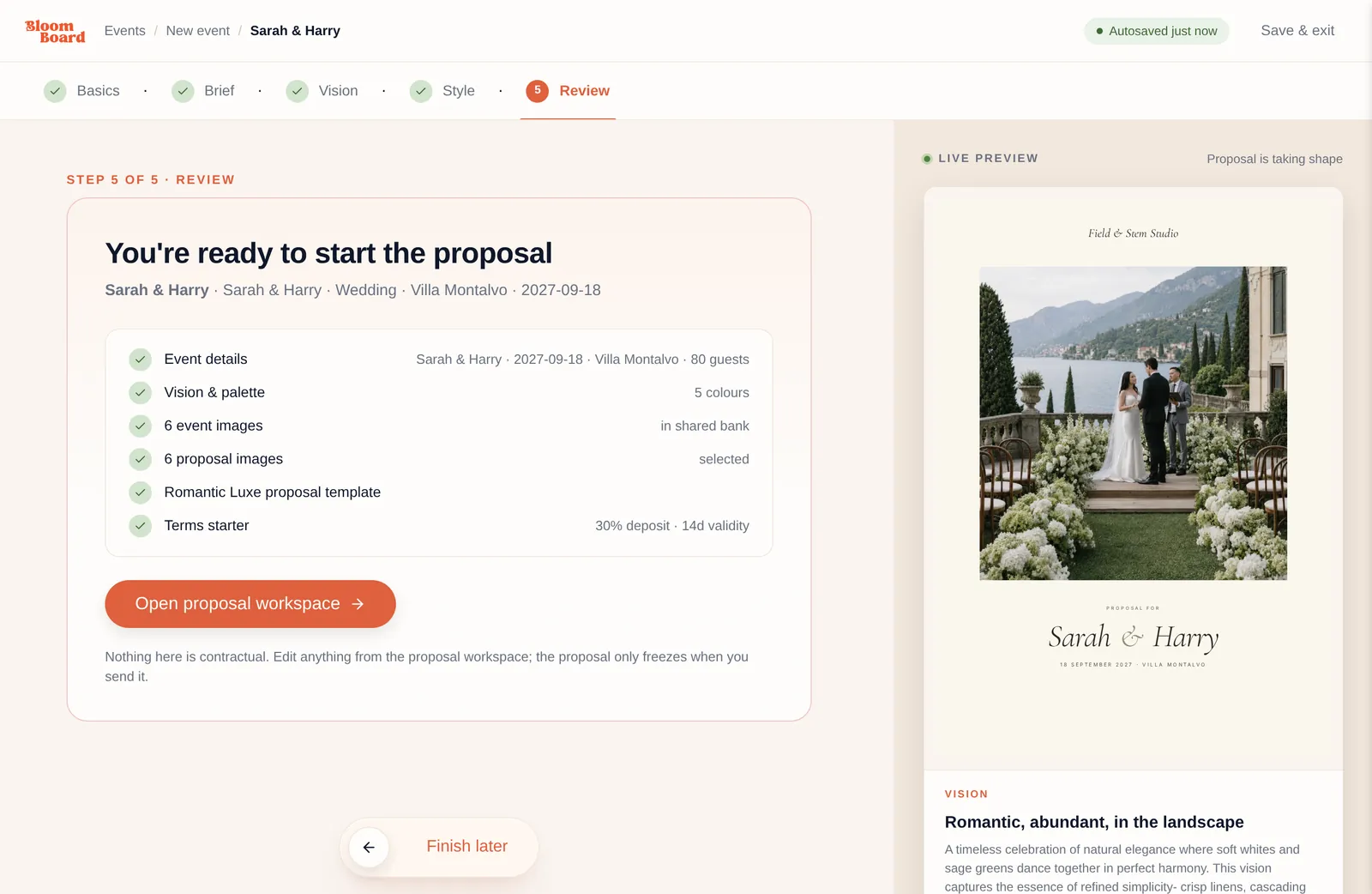
We’ve broken the process down below. It looks like a lot written out, but once you’re used to it, putting a proposal together usually takes around 20 minutes.
01
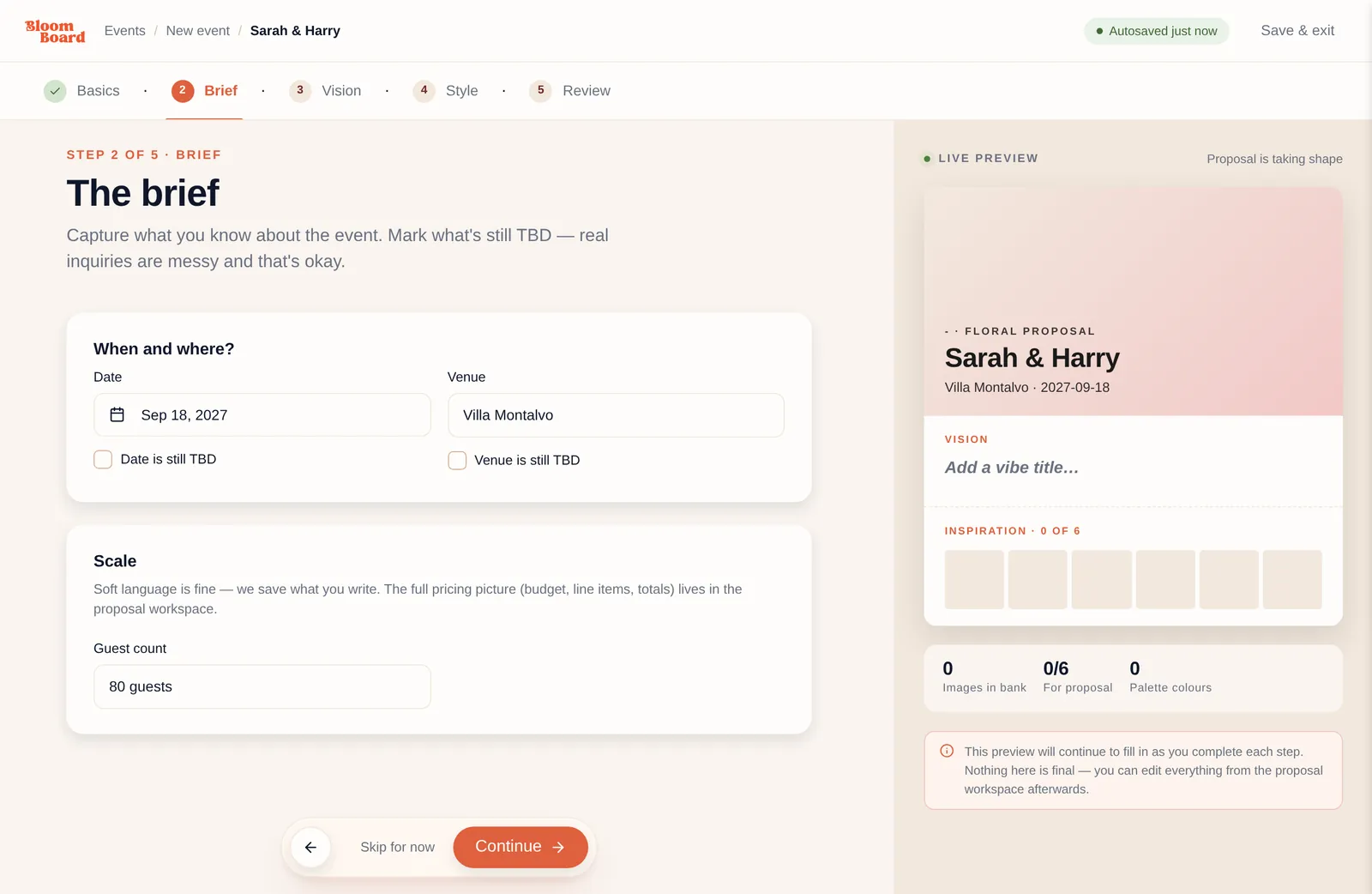
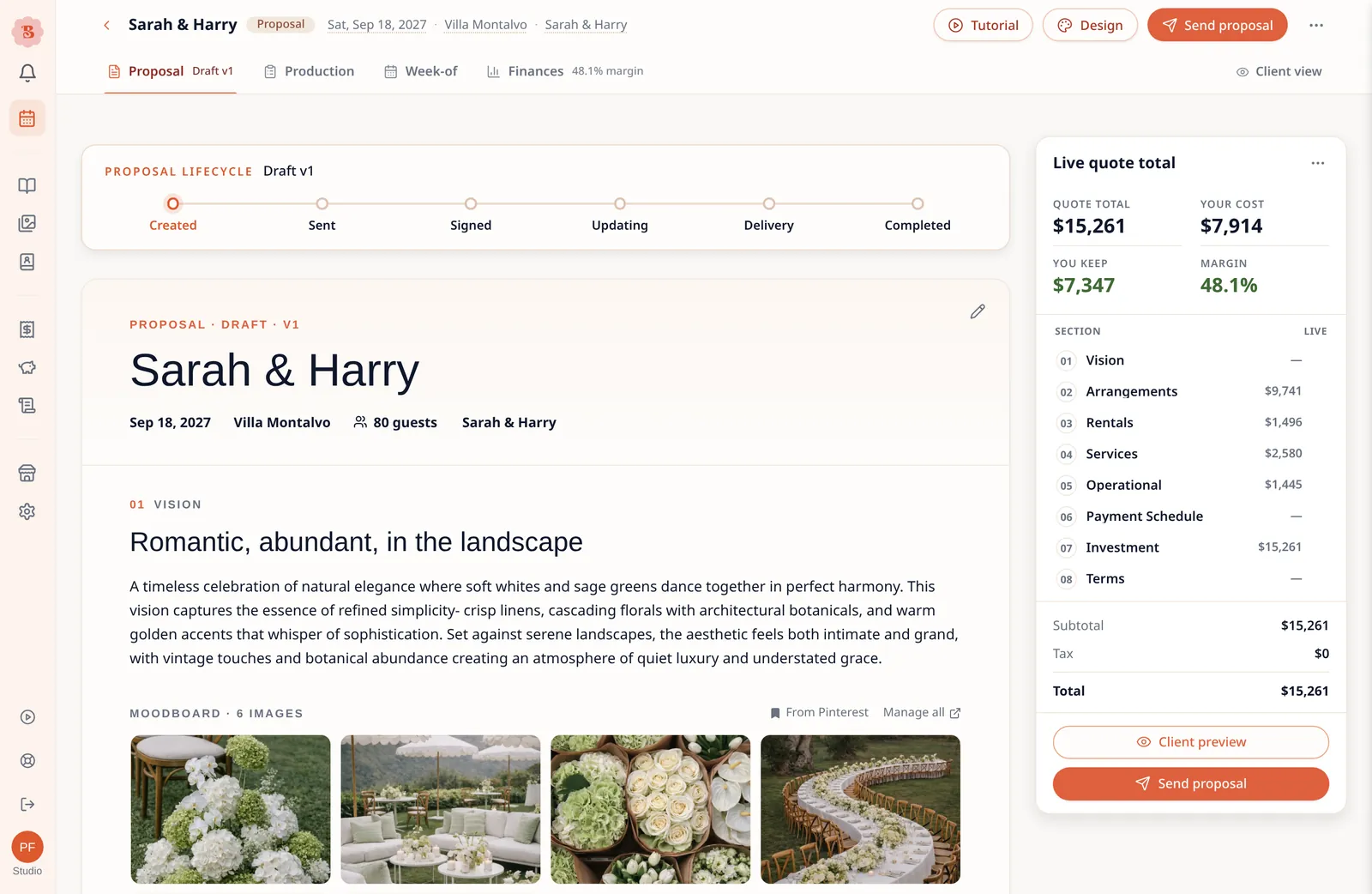
Add the proposal details
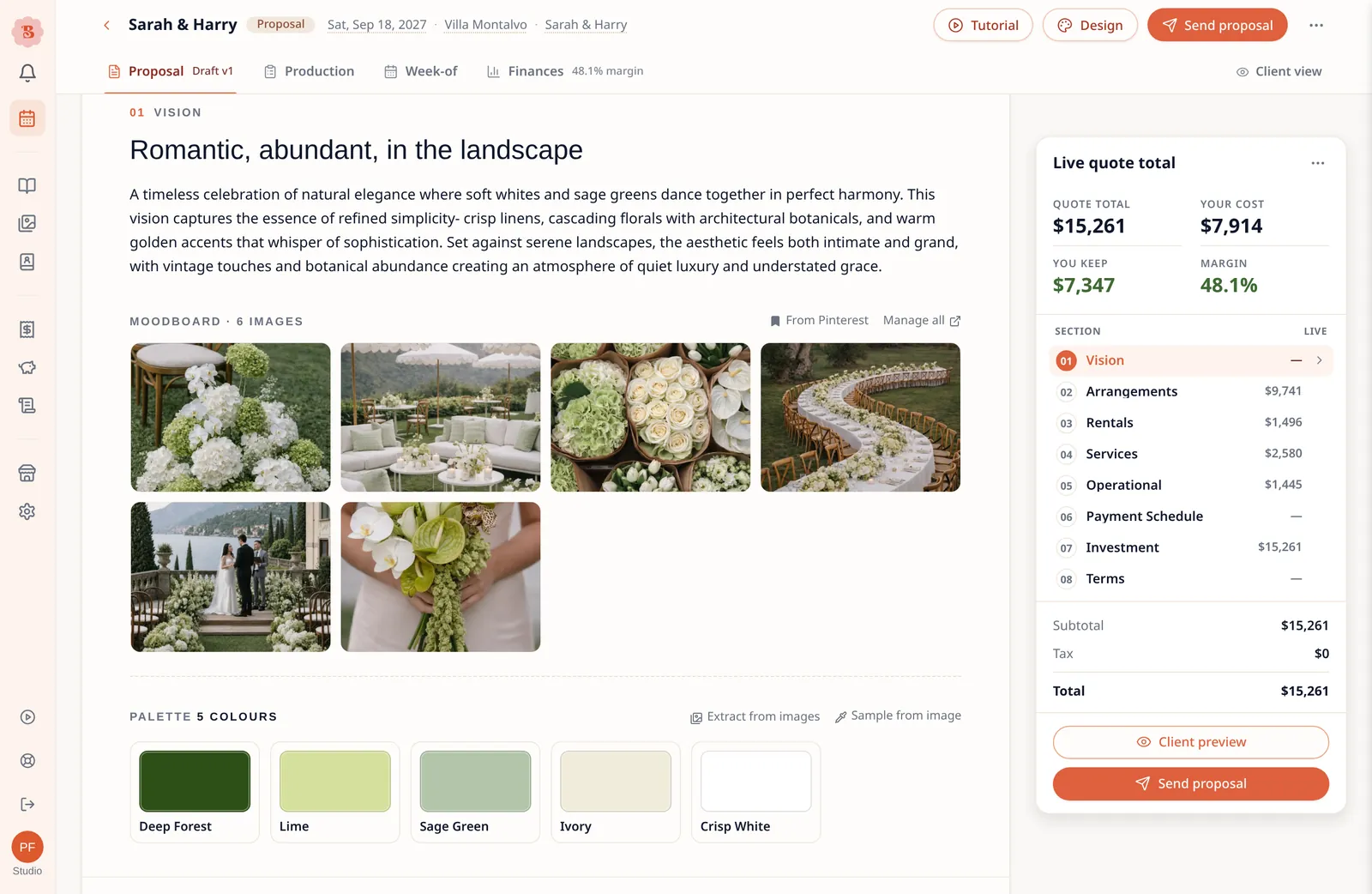
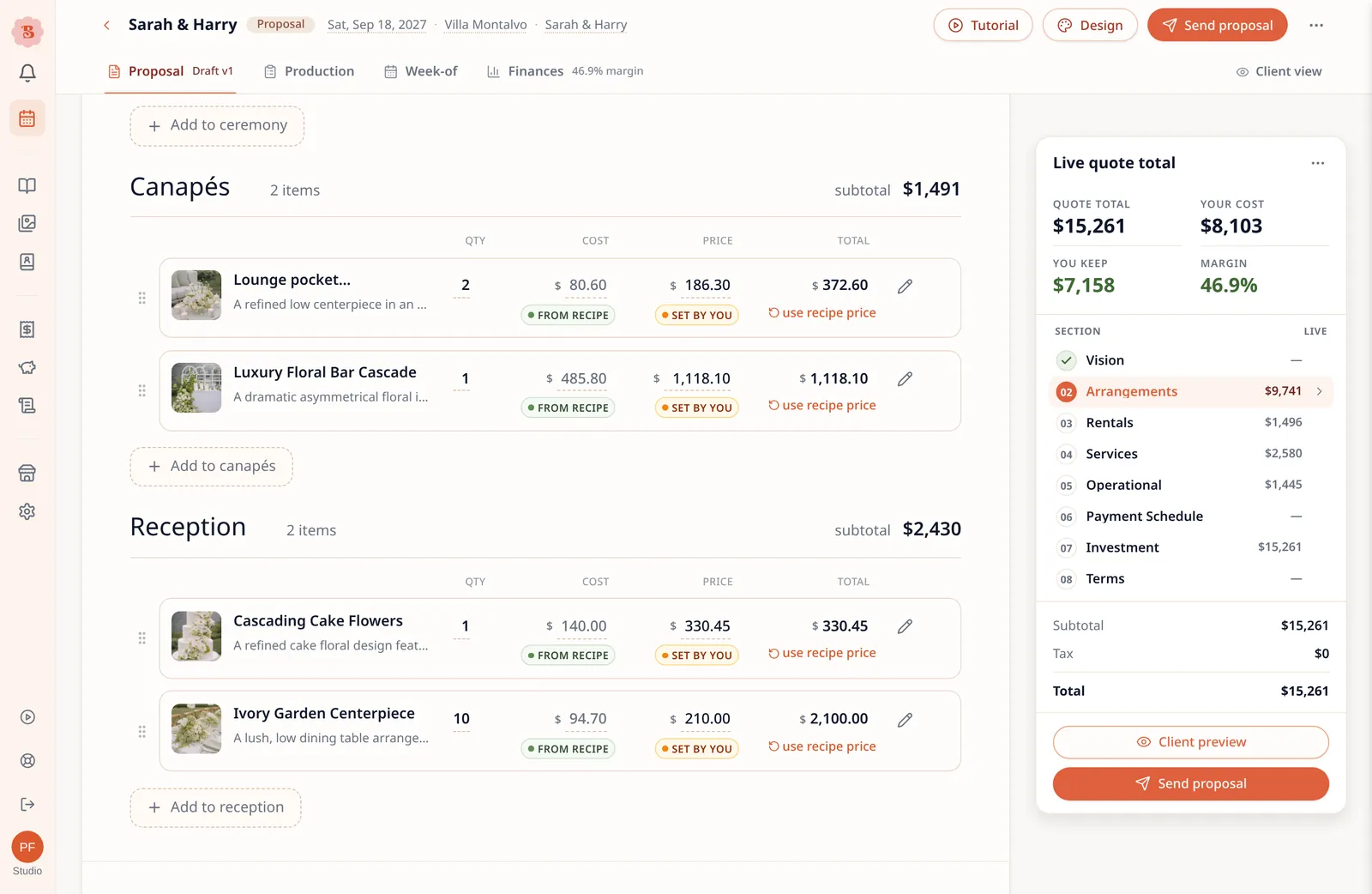
The Proposal Workspace is where you add:
- The vision
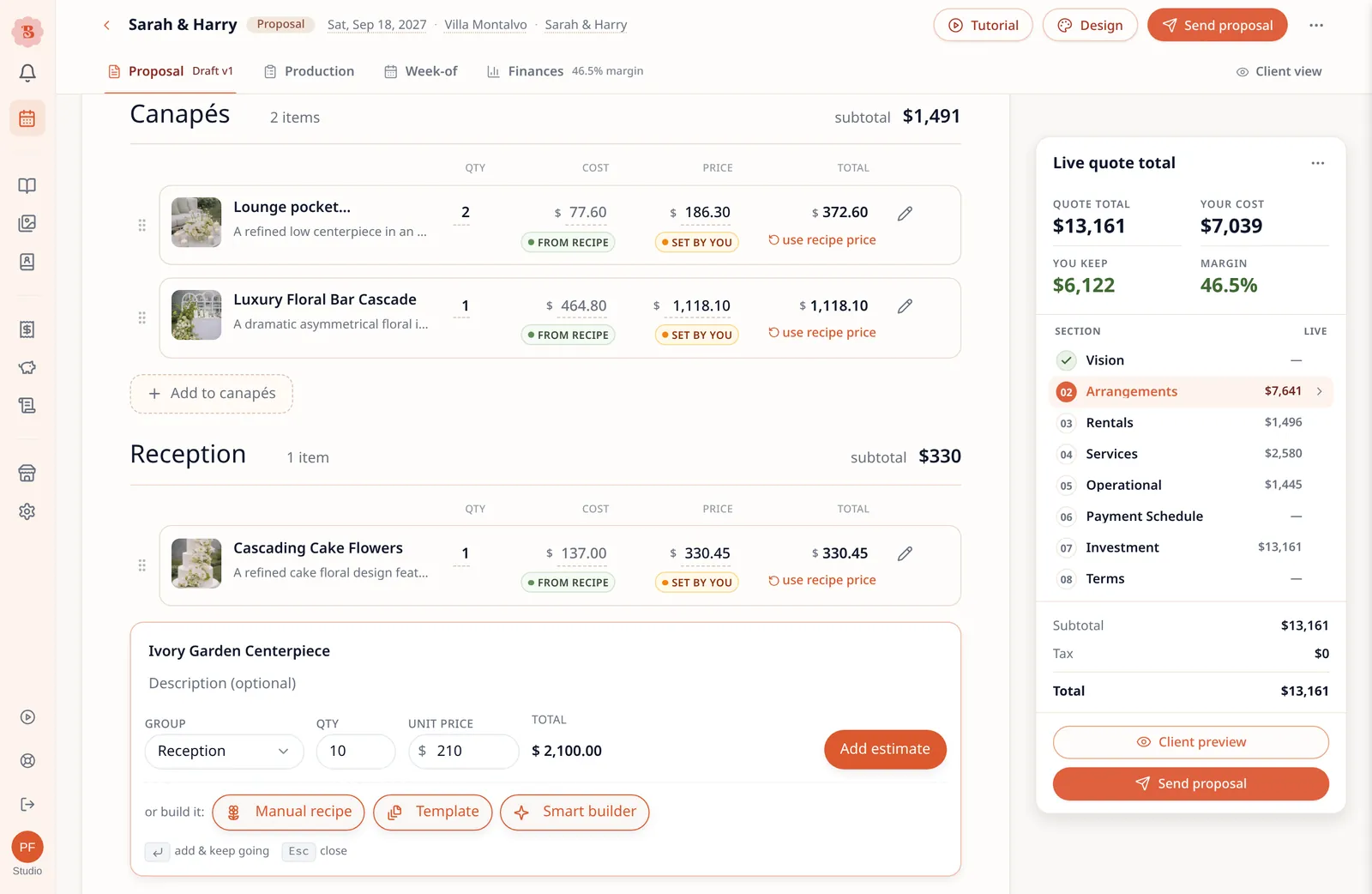
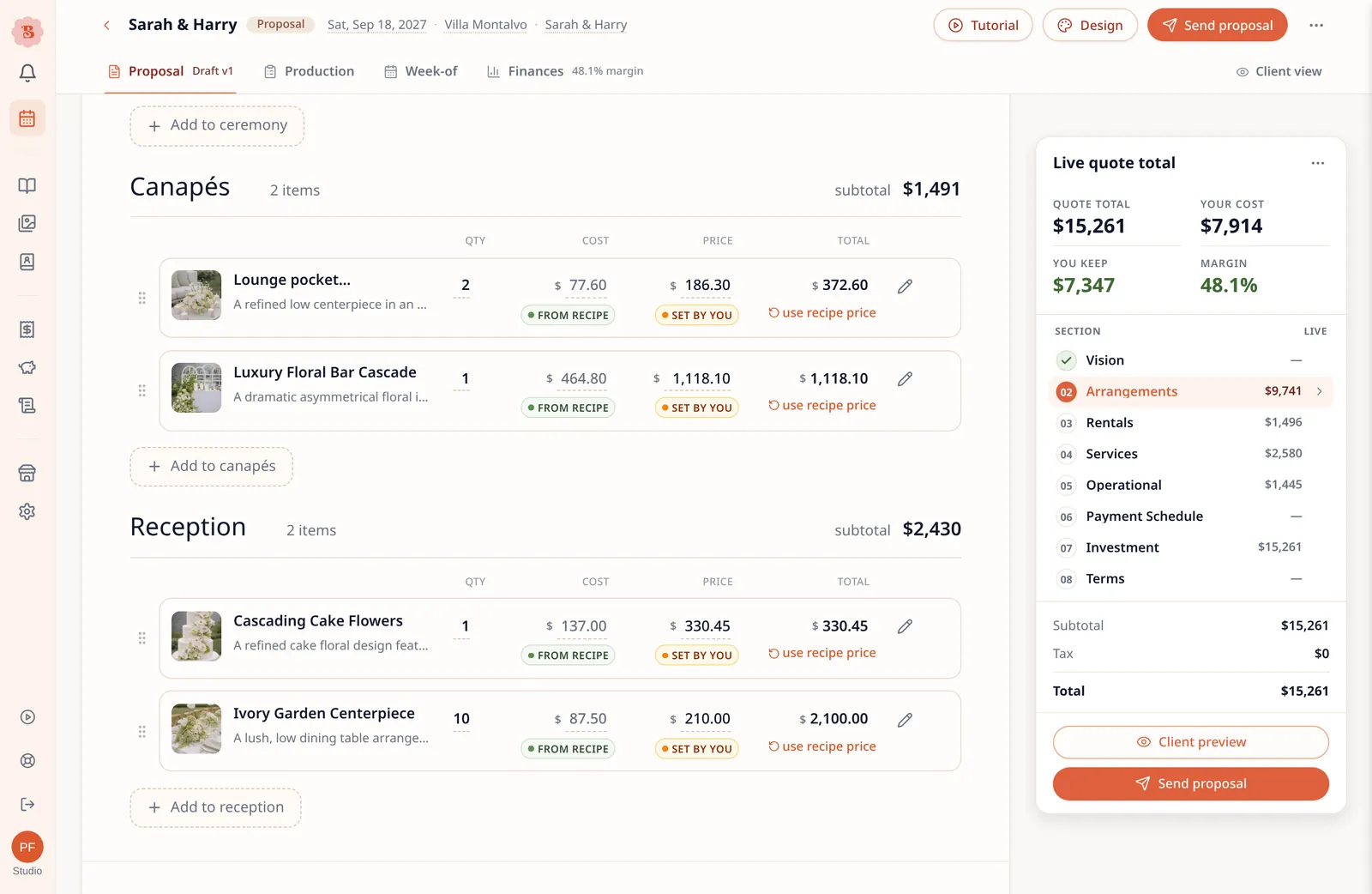
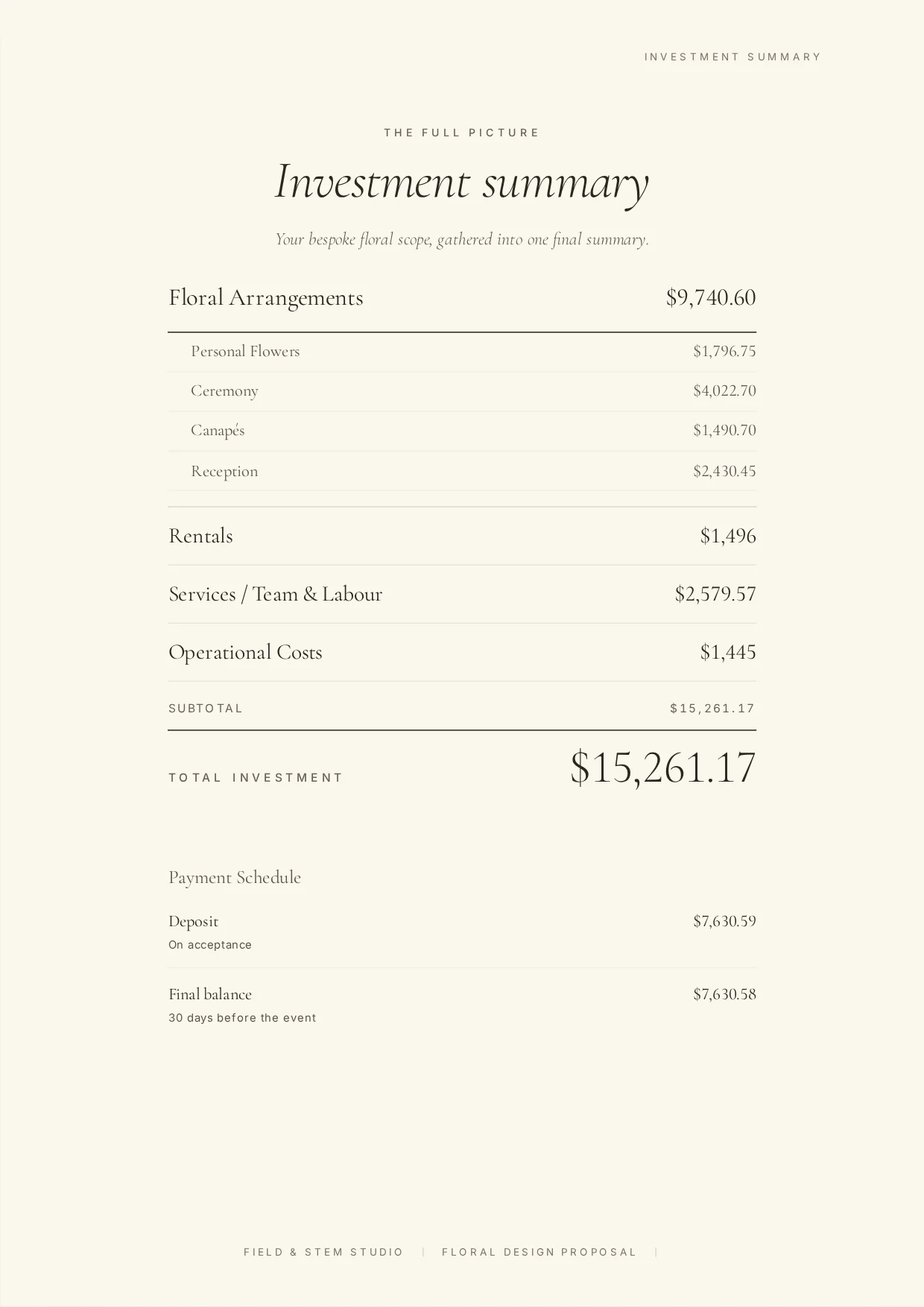
- Flower arrangements — enter an estimated price if you already know it, or build the recipe and let BloomBoard calculate the price from your costs and markup. Build it from scratch, use a saved template or use Smart Recipe.
- Rentals
- Service, team and labour
- Operational costs
- Terms and conditions
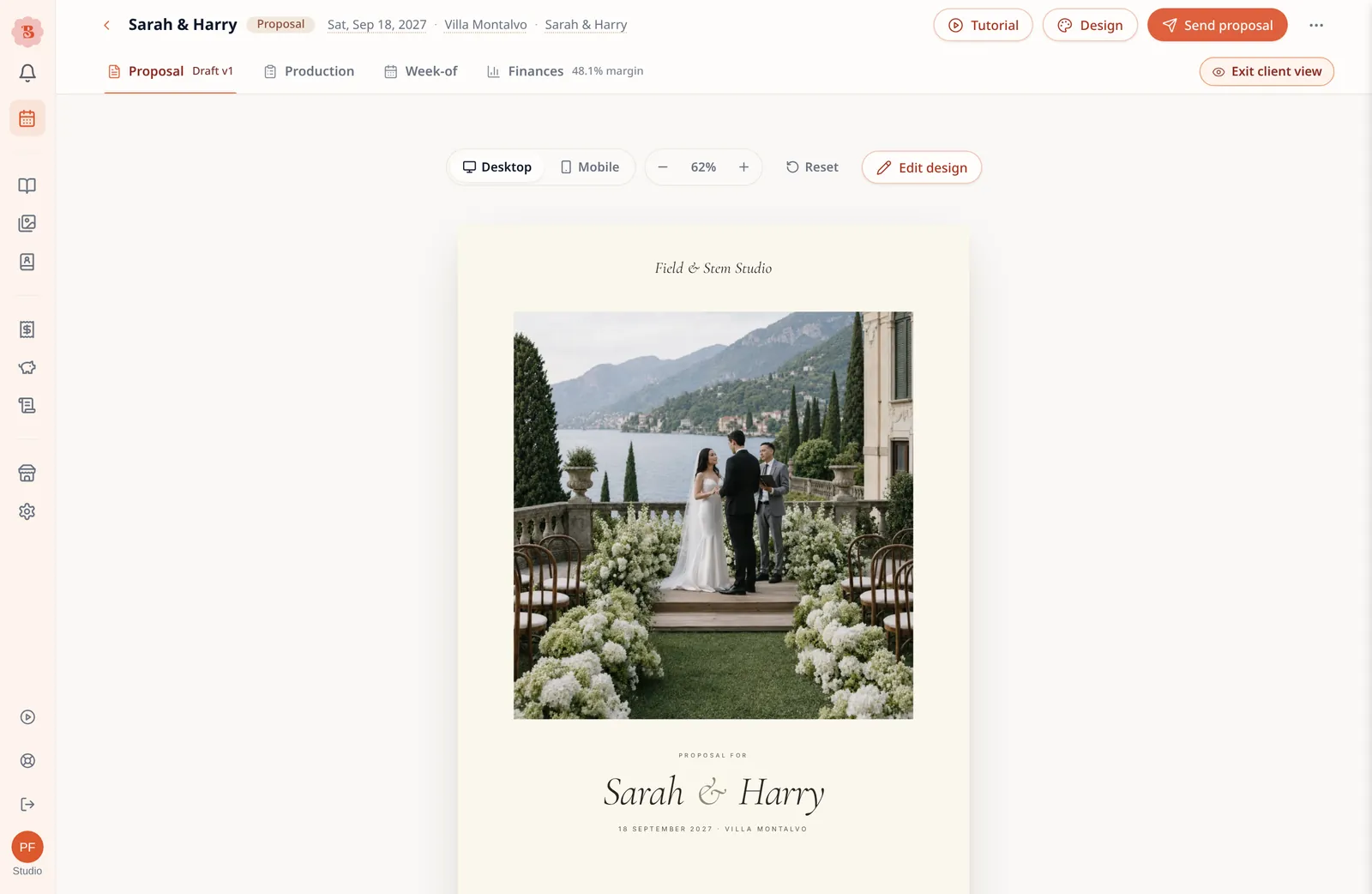
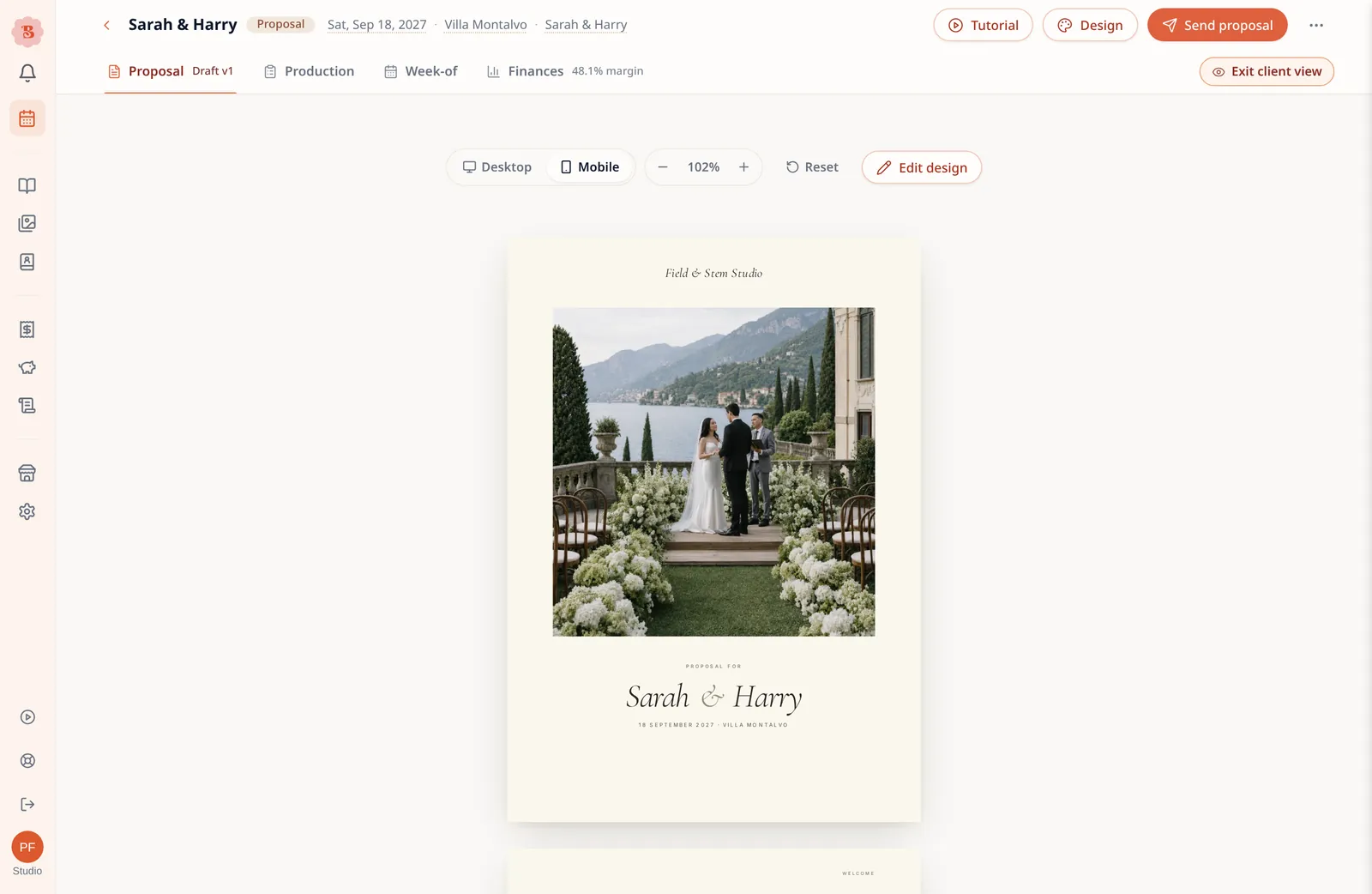
You can preview the client version at any point.
02
Choose the design
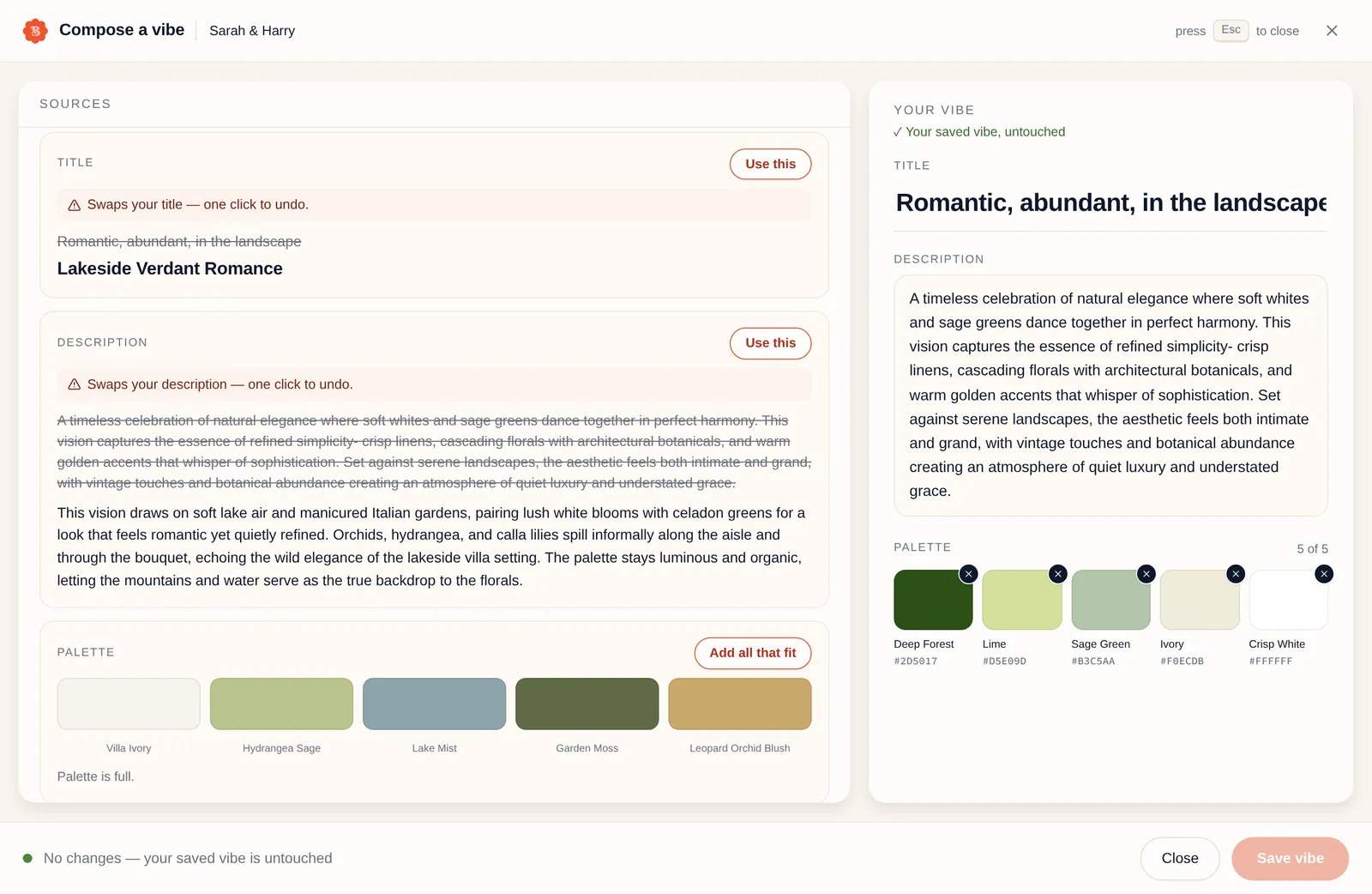
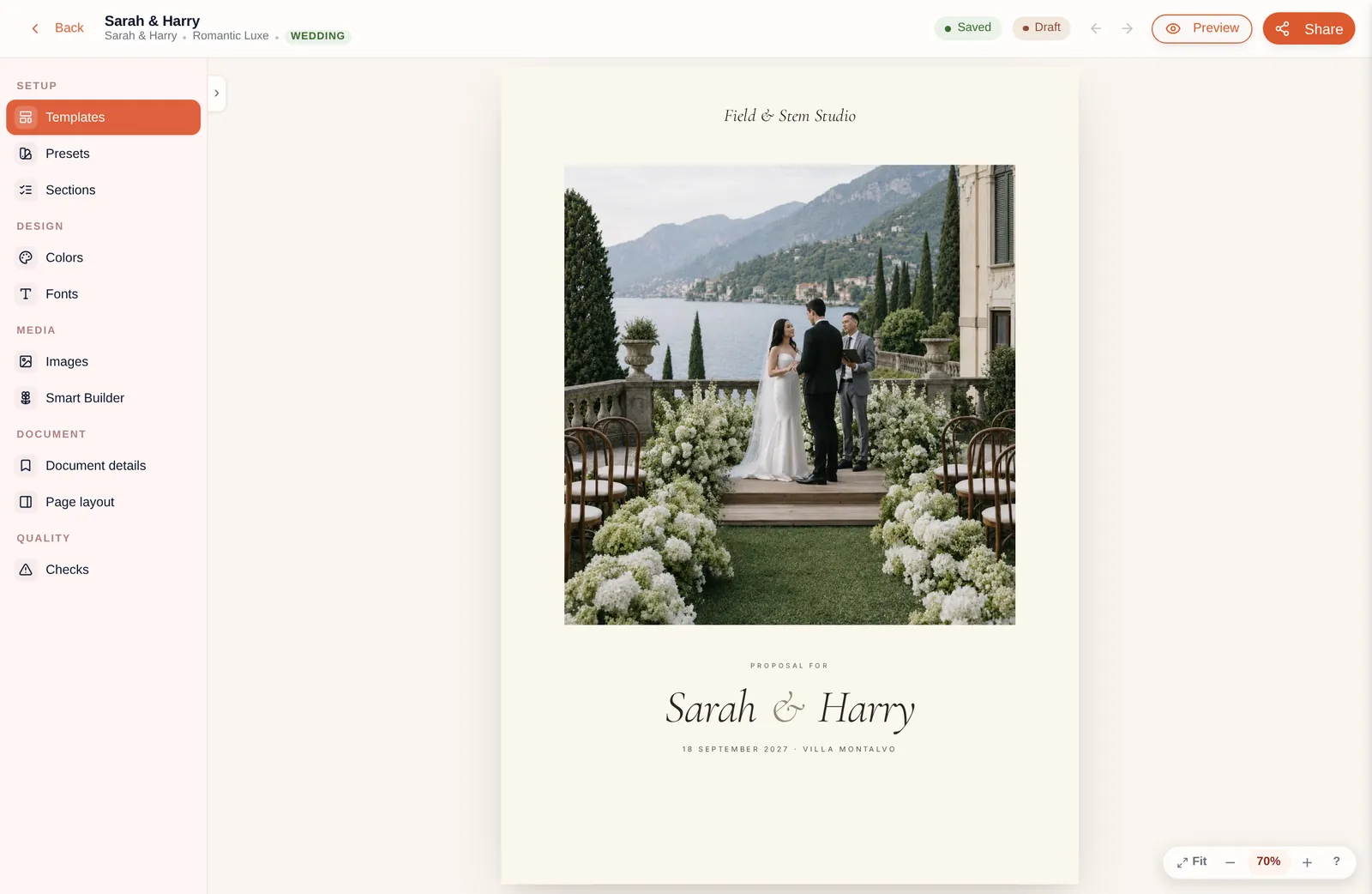
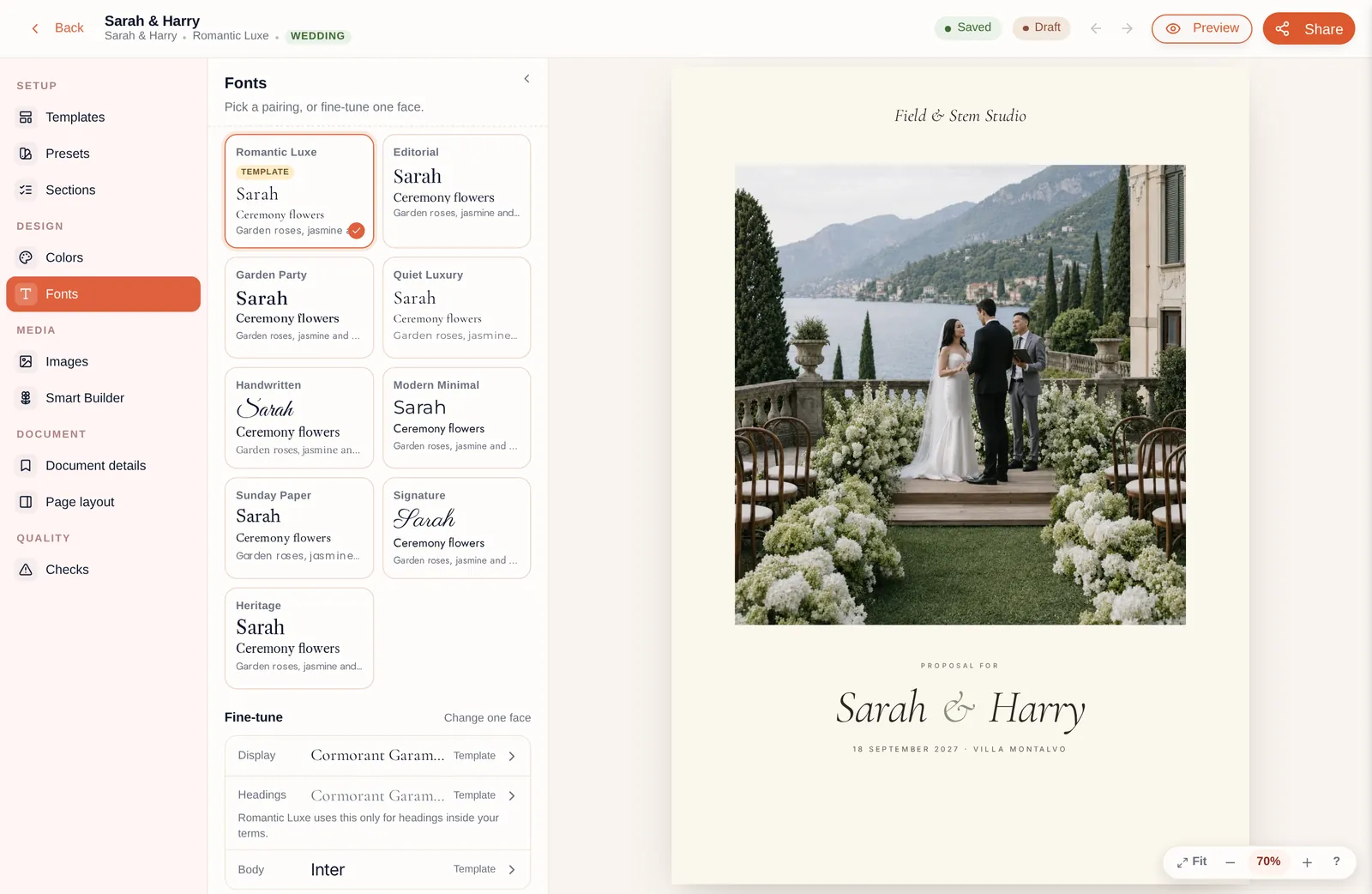
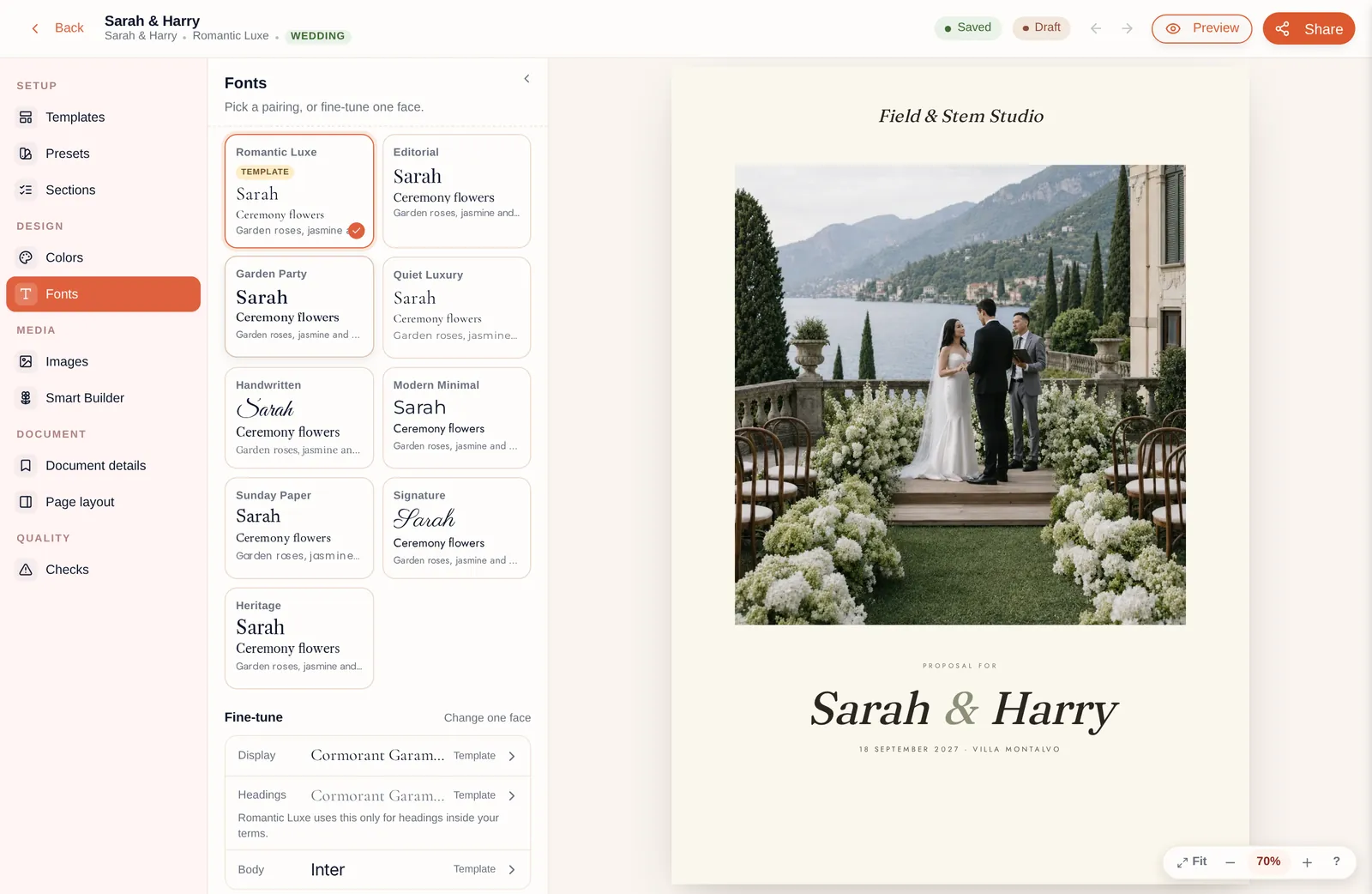
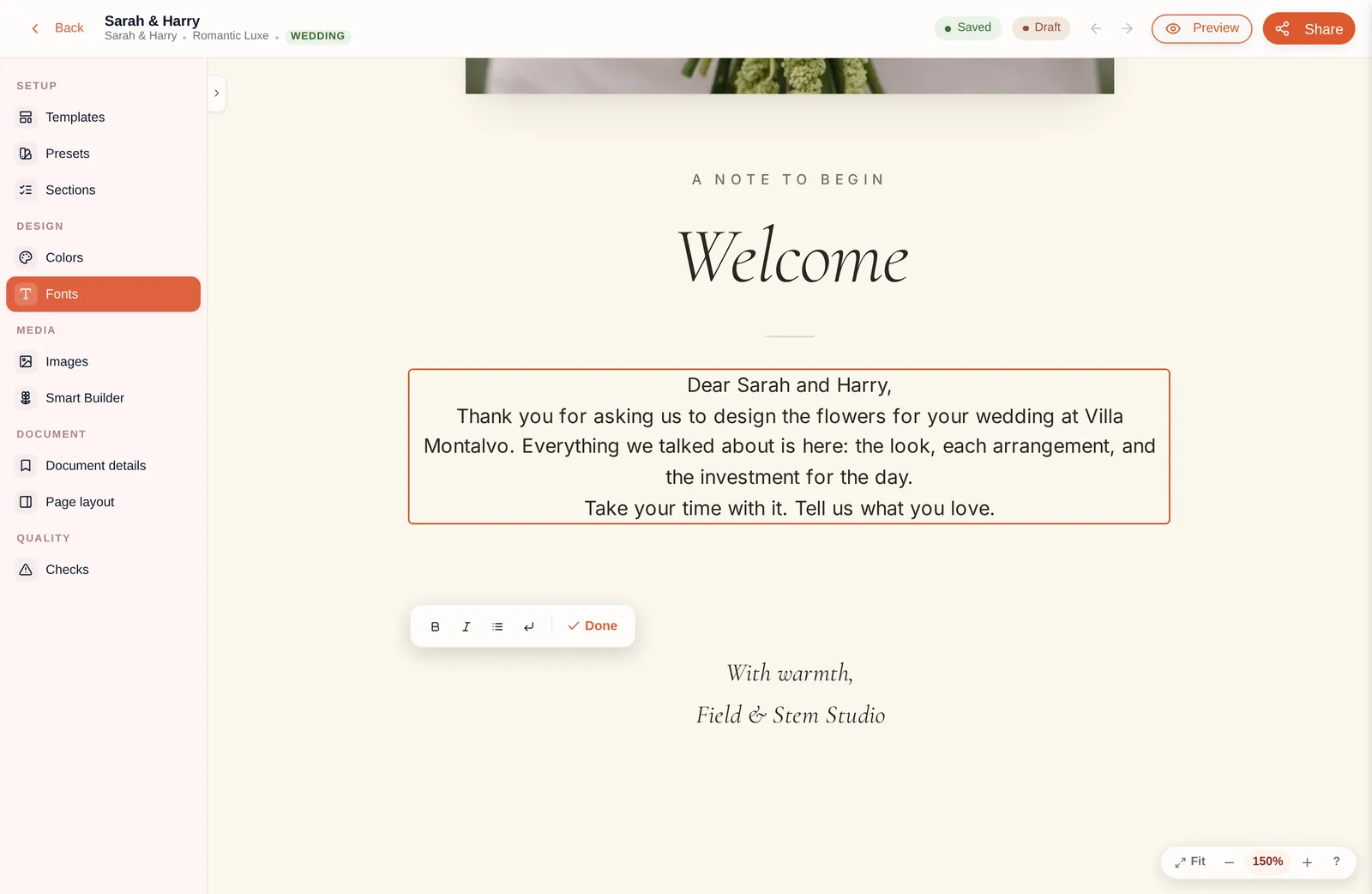
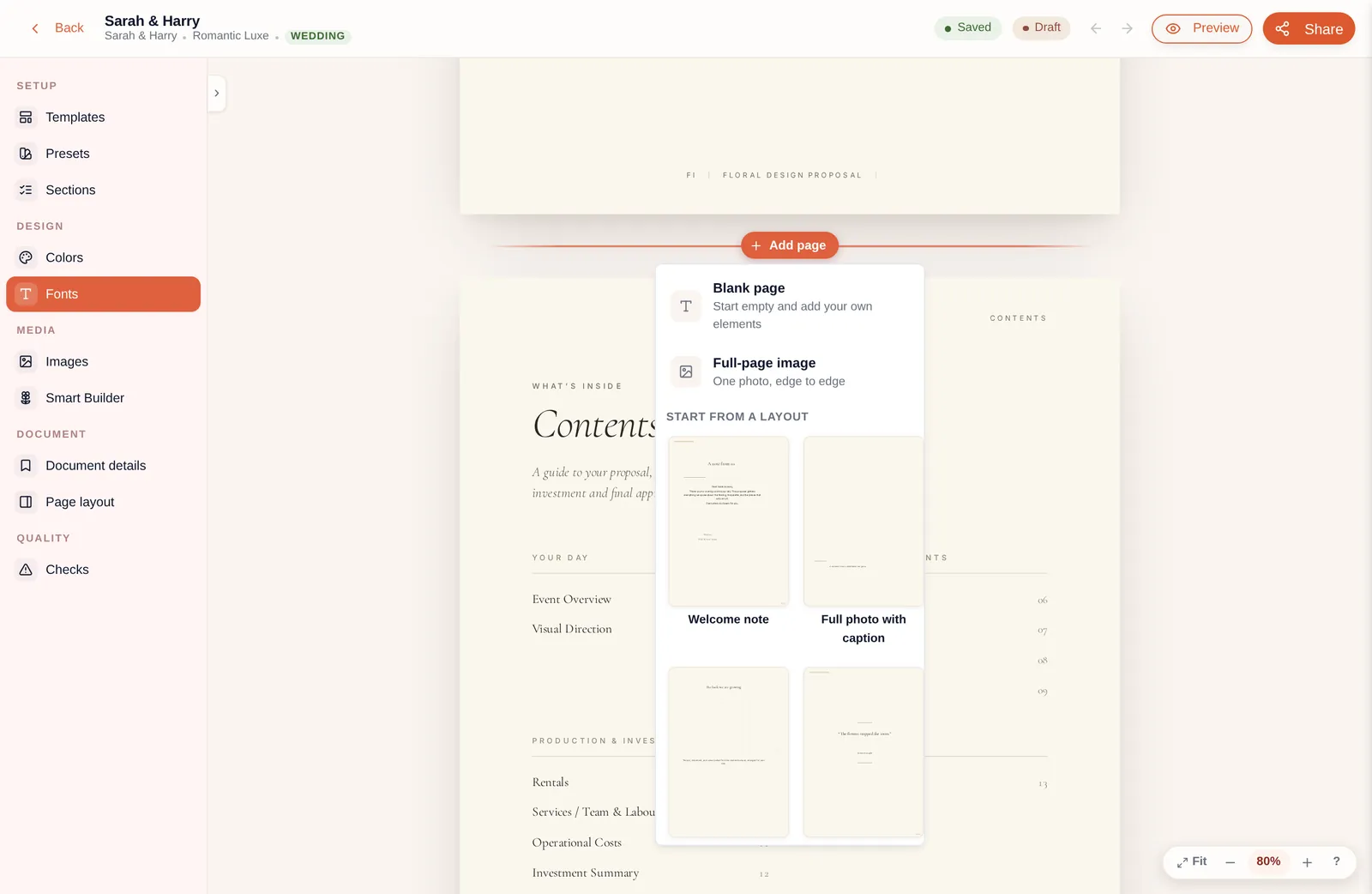
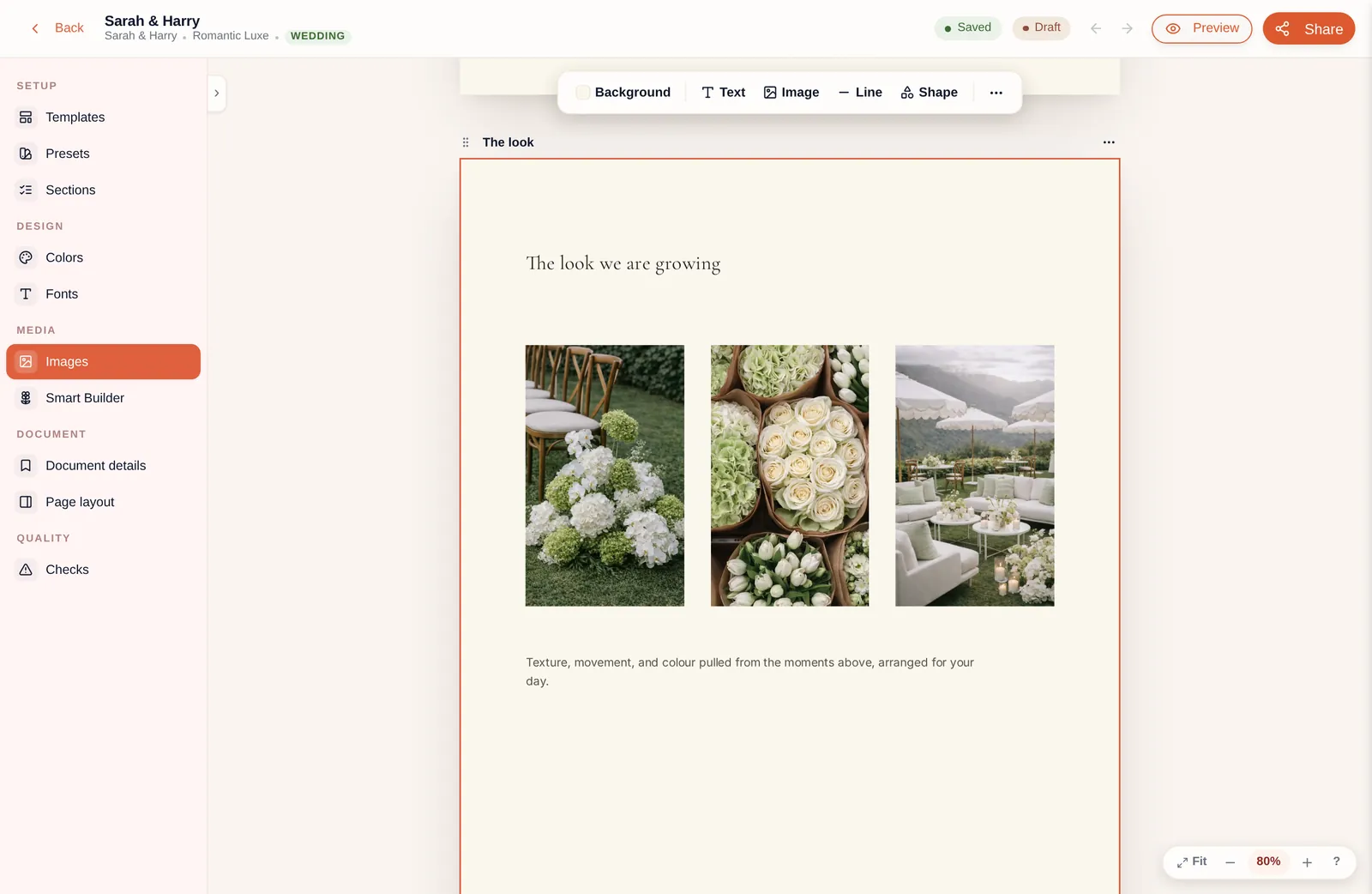
Open the Design Studio to change the pages, images, wording, fonts and colours. When you’re happy with it, save the design for next time.
03
Send and sign
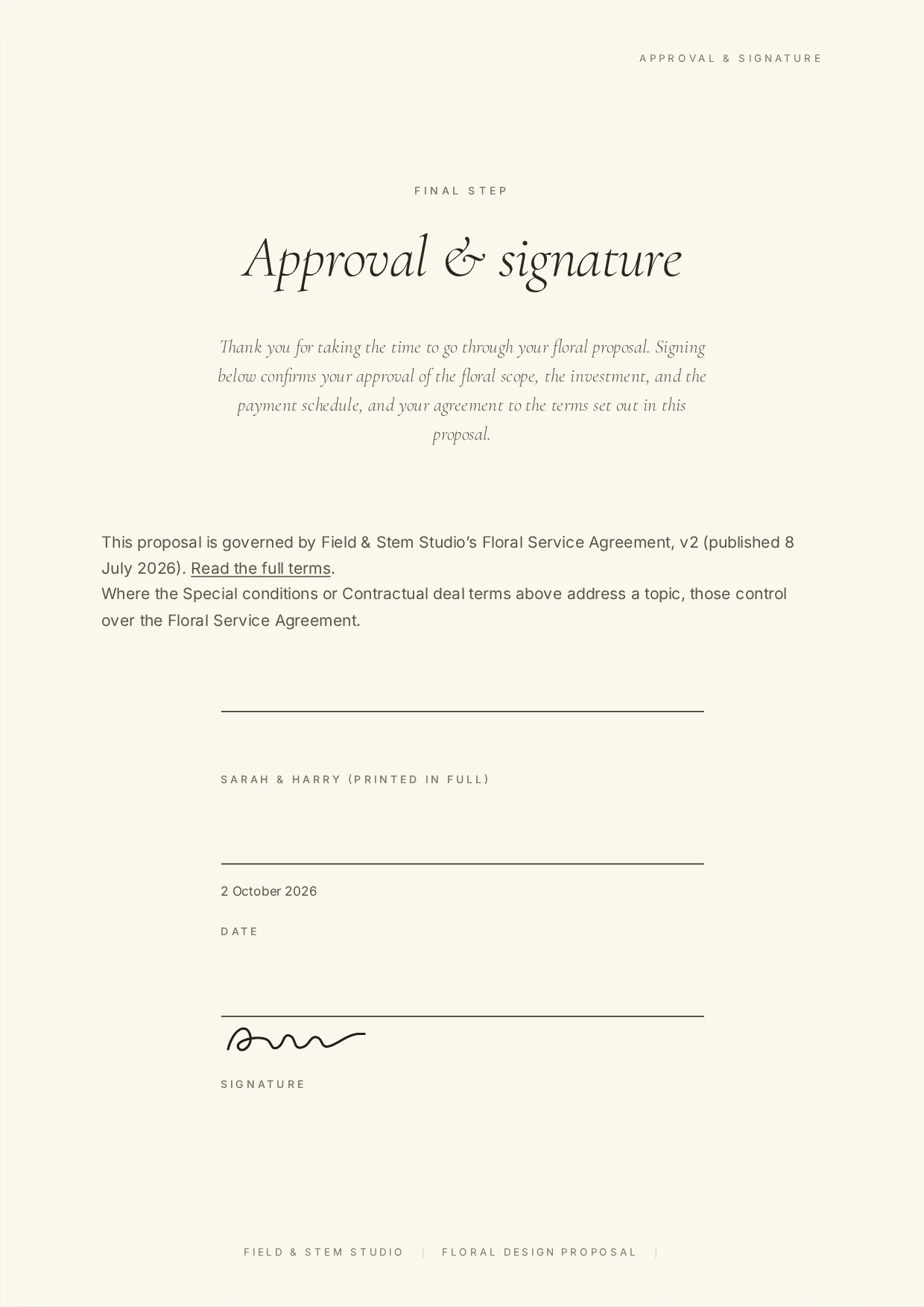
Send it by email from BloomBoard, share a custom link or download it. Your client opens the proposal, accepts your terms and conditions and signs it online.
Run your next event through BloomBoard.
Every feature on for 14 days. Plan a real event and see the difference.
Start Free Trial14 days free · No credit card